How to enable email notifications for note replies in Folk
Here is how to enable email notifications for note replies in folk
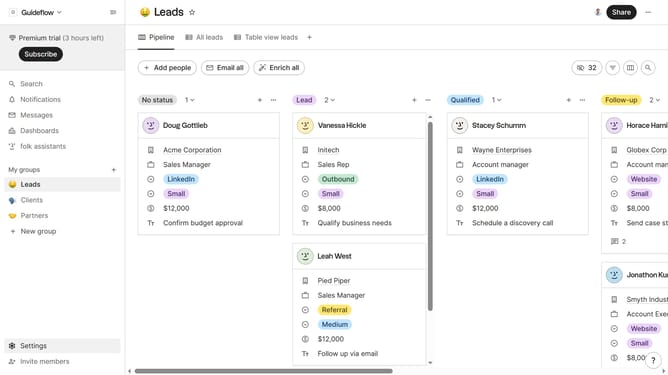
- First click on "Settings" in the left sidebar
- Then click on "Notifications" in the left sidebar
- Finally click on the checkbox next to "Someone replied to one of my notes" in the Notifications section
Why should you enable email notifications for note replies in Folk
Folk is a powerful collaboration tool designed to streamline communication and project management for teams.
By enabling email notifications for note replies in Folk, users can stay updated on collaborative discussions, ensuring they never miss critical input or feedback.
This feature fosters enhanced team collaboration, as members are swiftly informed about responses, facilitating quicker decision-making and more efficient workflow management.
With timely email alerts, you maintain seamless communication, helping teams stay aligned and projects on track.
Last update