How to download the FolkX chrome extension in Folk
Here is how to download the folkx chrome extension in folk
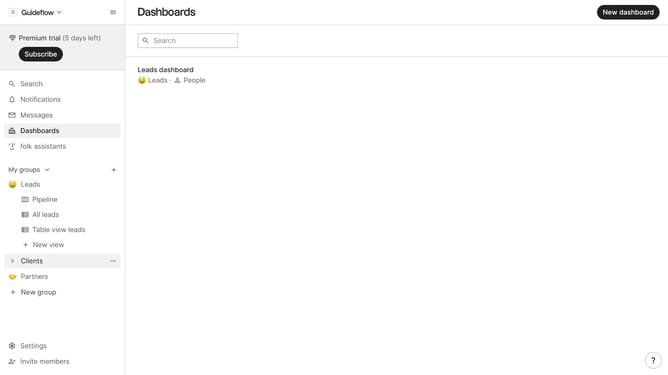
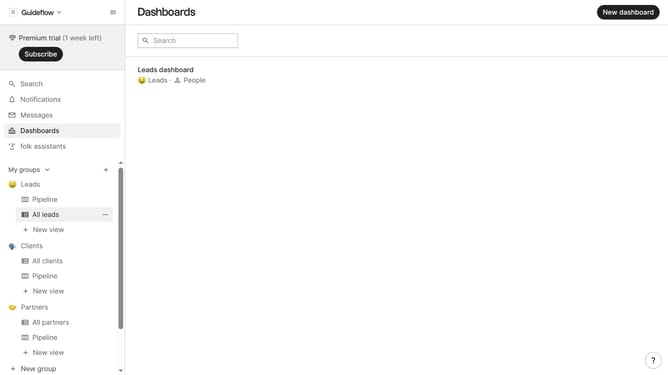
- First click on the "Settings" option in the left sidebar
- Then select "Apps & extensions" from the sidebar menu
- Finally, click on the "Download extension" button for the "FolkX, Chrome Extension"
Why should you download the FolkX chrome extension in Folk
Folk is your ultimate tool for managing and nurturing relationships effortlessly.
Enhancing this experience, downloading the FolkX Chrome extension in Folk becomes a gateway to seamless integration and enhanced productivity.
By utilizing the extension, users can quickly access contacts and manage interactions directly from their browser, saving both time and effort.
This efficient process allows for an enriched network management experience, ensuring you stay organized and connected with ease.
Last update