How to show the foundation year(company) field in the pipeline in Folk
Here is how to show the foundation year(company) field in the pipeline in folk
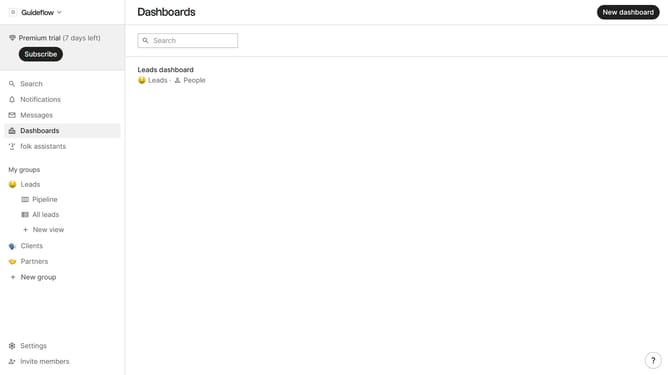
- First click on "Pipeline" in the sidebar under the group where you want to show the Foundation year(company) field
- Then click on the "View" icon in the top menu
- Next, scroll down in the dropdown menu
- Finally, click on the view icon next to "Foundation year (company)" in the dropdown list
Why should you show the foundation year(company) field in the pipeline in Folk
Folk is a dynamic and intuitive CRM platform designed to simplify team collaboration and streamline relationship management.
Displaying the foundation year of a company in the pipeline in Folk enhances strategic insights by giving context to partnerships and growth timelines.
Knowing a company's inception year can be pivotal for businesses wanting to understand longevity and industry experience.
This feature empowers team members with the historical perspective, aiding in decision-making and nurturing tailored client relationships.
Last update