How to hide the companies field in a pipeline view in Folk
Here is how to hide the companies field in a pipeline view in folk
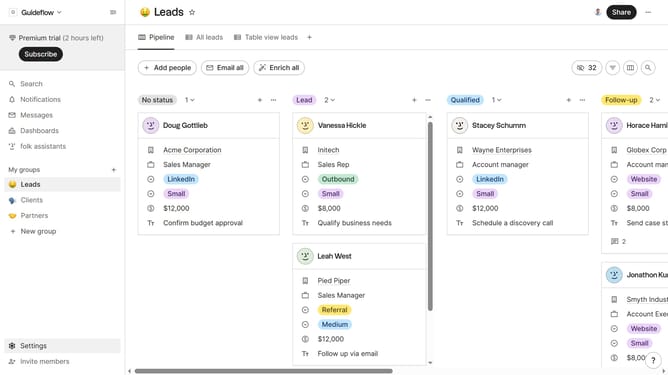
- First, click on a pipeline view where you want to hide the "Companies field"
- Then click on the view icon in the top right of the page
- Finally click on the "Hide" icon next to "Companies" in the dropdown menu
Why should you hide the companies field in a pipeline view in Folk
Folk is an intuitive tool designed to effortlessly manage and streamline your contact workflows.
In Folk, hiding the companies field in a pipeline view can declutter your workspace, allowing for a more streamlined view that focuses solely on the information you find most critical.
By adopting this feature, users can prioritize and concentrate on key tasks at hand, enhancing productivity and minimizing distractions.
This streamlined view promotes efficiency and tailoring your workspace to match your unique workflow needs.
Last update