How to show the phone numbers(company) field in a table view in Folk
Here is how to show the phone numbers(company) field in a table view in folk
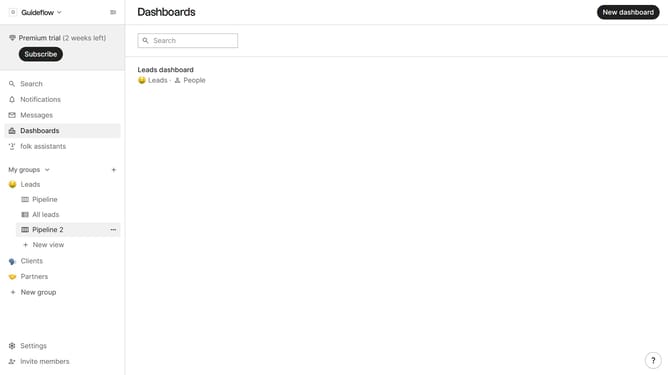
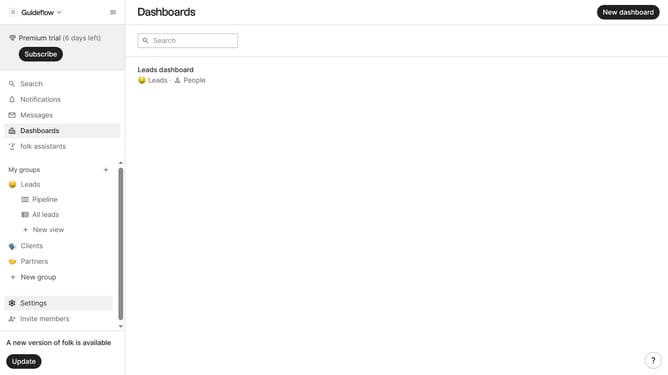
- First, click on a table view where you want to show the phone numbers(company) field
- Then click on the view icon in the top right of the page
- Next, scroll down in the dropdown menu
- Finally click on the "View" icon next to "Phone numbers(company)" in the dropdown menu
Why should you show the phone numbers(company) field in a table view in Folk
Folk is an innovative platform designed to streamline and enhance collaborative workflows.
One exceptional feature of Folk is the ability to display the phone numbers (company) field in a table view.
This feature ensures that crucial contact information is readily accessible, providing users with a seamless way to interact with company details.
By enhancing data visibility, it empowers teams to quickly make informed decisions and maintain smooth communication, boosting overall efficiency.
Last update