How to delete a view in Folk
Here is how to delete a view in folk
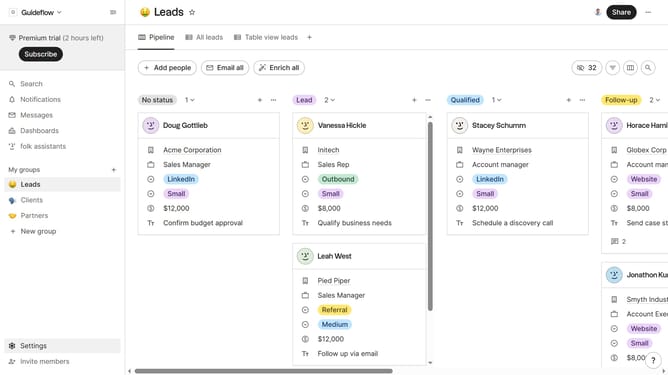
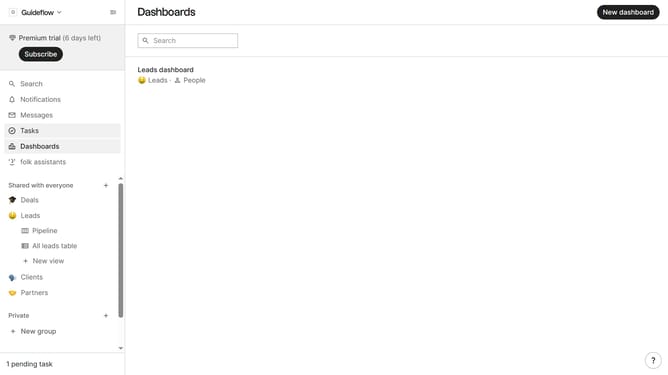
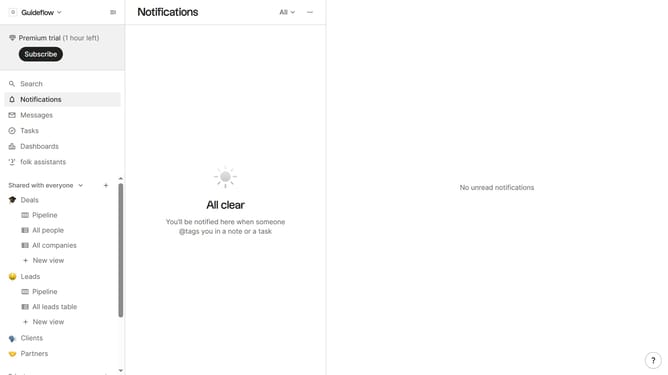
- First click hover your mouse cursor over the view that you wanted to delete in the left sidebar
- Then click on the ellipsis icon next to the view
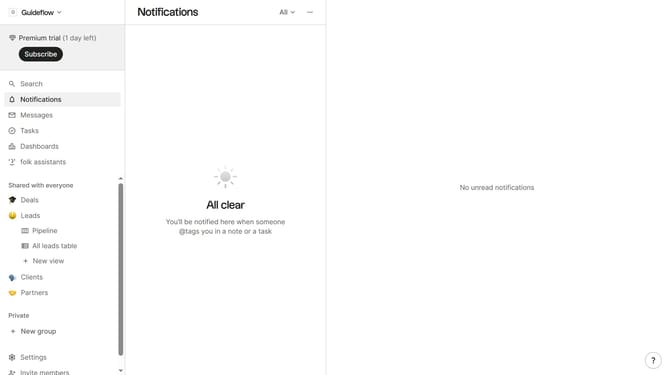
- Next click on "Delete view..." option from the dropdown menu
- Finally click on the "Delete view" button
Why should you delete a view in Folk
Folk is a dynamic tool designed to streamline contact management and enhance team collaboration.
Deleting a view in Folk empowers users to maintain a clutter-free workspace, ensuring efficient navigation and focus. As your projects evolve, eliminating outdated views helps you stay organized and adapt quickly to new priorities.
This feature supports a smoother user experience by clearing unnecessary data, which can otherwise hamper productivity. Ultimately, the ability to delete views allows for a customizable and responsive workflow, aligning perfectly with your team's needs.
Last update