How to hide the funding raised(company) field in a table view in Folk
Here is how to hide the funding raised(company) field in a table view in folk
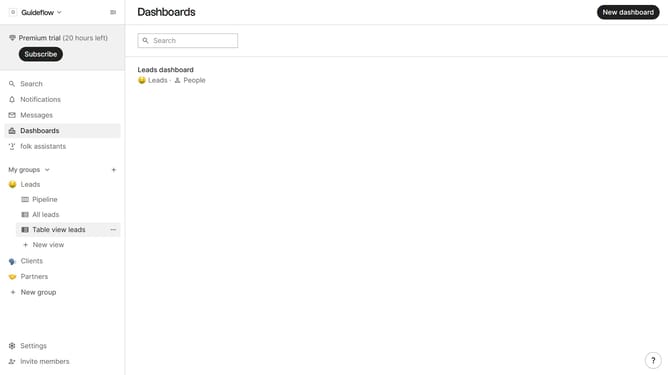
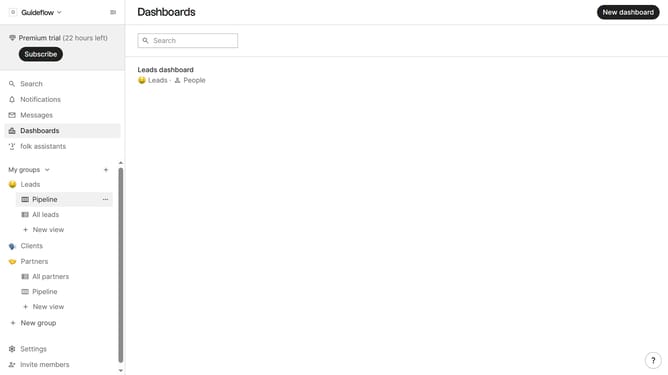
- First, click on a table view where you want to hide the "Funding raised(company) field"
- Then click on the view icon in the top right of the page
- Next, scroll down in the dropdown menu
- Finally click on the "Hide" icon next to "Funding raised(company)" in the dropdown menu
Why should you hide the funding raised(company) field in a table view in Folk
Folk is a powerful tool designed to streamline and enhance team collaboration and data management.
In Folk, you have the flexibility to customize your table views, such as hiding specific fields like the "funding raised (company)" field, allowing for a streamlined focus on relevant data.
This feature is especially beneficial if you want to unclutter your view, ensuring sensitive or unnecessary information is not casually displayed, thus maintaining privacy and improving team focus.
By hiding this field, teams can better concentrate on pertinent tasks and data, enhancing overall productivity and efficiency within any workflow.
Last update