How to hide the strongest connection field in a pipeline view in Folk
Here is how to hide the strongest connection field in a pipeline view in folk
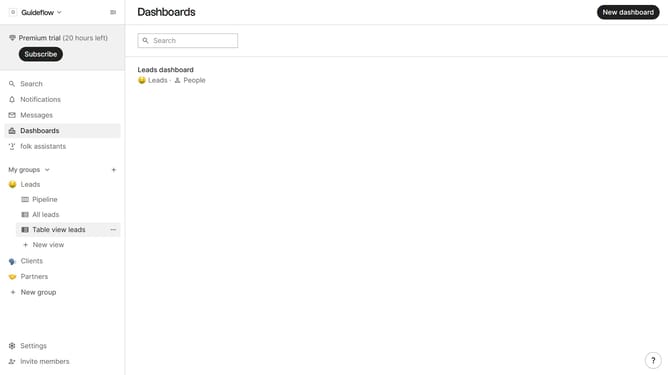
- First, click on a table view where you want to hide the "Strongest connection field"
- Then click on the view icon in the top right of the page
- Finally click on the "Hide" icon next to "Strongest connection" in the dropdown menu
Why should you hide the strongest connection field in a pipeline view in Folk
Folk is an intuitive platform designed to streamline your relationship management and boost productivity.
One valuable feature of Folk is the ability to hide the strongest connection field in a pipeline view, allowing users to customize their workspace to suit their specific needs. This feature is beneficial for maintaining a clean interface and focusing on the most critical tasks without unnecessary distractions.
By hiding this field, users gain greater control over their workflow, leading to enhanced productivity and more efficient communication strategies. Utilizing this feature ensures a more tailored and adaptable user experience.
Last update