How to select all in a column in Folk
Here is how to select all in a column in folk
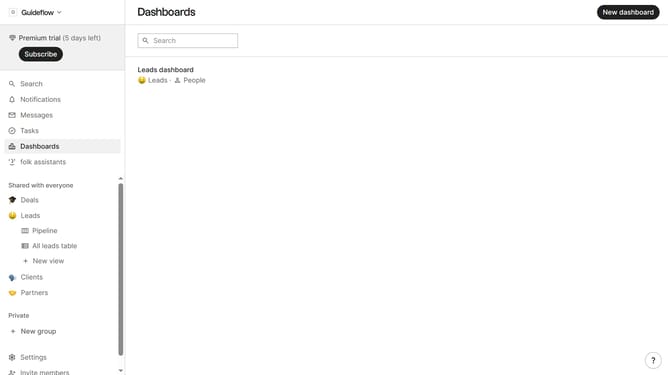
- First, click the "Pipeline" option in the left sidebar under the group where you want to select all cards in a column
- Then, click the "..." icon at the top of the column where you want to select all cards
- Finally select "Select all" from the opened menu
Why should you select all in a column in Folk
Folk is designed to streamline and optimize the way you manage contacts and collaborate across projects.
One of Folk's essential features is the ability to select all entries in a column swiftly. This feature enables efficient organization and manipulation of data by allowing users to highlight all entries in a column seamlessly.
By using this feature, you can save time and enhance productivity, making data management more intuitive and less cumbersome. It simplifies bulk actions, ensuring you maintain focus on strategic tasks rather than getting bogged down in minutiae.
Last update