How to show the My Last Interaction field in a table view in Folk
Here is how to show the my last interaction field in a table view in folk
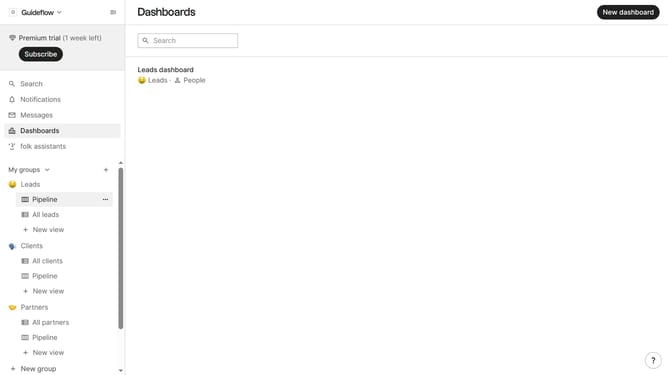
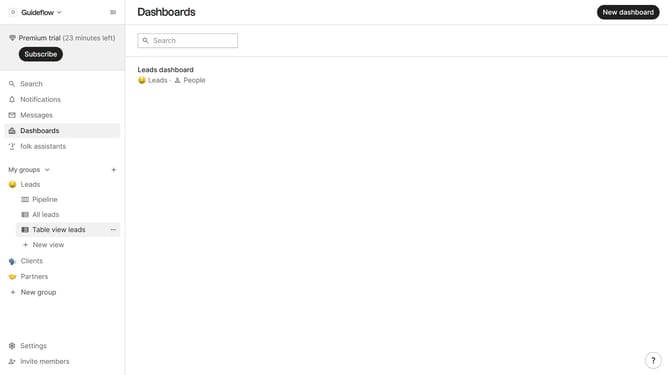
- First, click on a table view where you want to show the my last interaction field
- Then click on the view icon in the top right of the page
- Finally click on the "View" icon next to "My last interaction" in the dropdown menu
Why should you show the My Last Interaction field in a table view in Folk
Folk is a dynamic platform designed to streamline interaction management and nurture relationships effectively.
The "My Last Interaction" field in Folk's table view feature is a powerful tool that brings your recent engagement history right to your fingertips. By displaying this field, users gain instant insights into when they last connected with a contact, fostering timely follow-ups and personalized communications.
This feature is particularly beneficial for maintaining strong relationships by ensuring no interaction goes unnoticed or forgotten. It enhances strategic planning and boosts productivity by enabling users to manage interactions more efficiently.
Incorporating the "My Last Interaction" field into your workflow not only optimizes relationship management but also catalyzes meaningful engagement, making Folk an indispensable tool for professionals who prioritize connection.