How to hide the phone numbers field in a pipeline view in Folk
Here is how to hide the phone numbers field in a pipeline view in folk
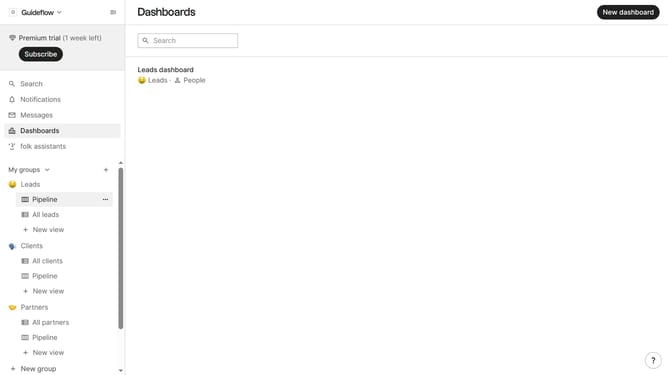
- First, click on a pipeline view where you want to hide the "Phone numbers field"
- Then click on the view icon in the top right of the page
- Finally click on the "Hide" icon next to "Phone numbers" in the dropdown menu
Why should you hide the phone numbers field in a pipeline view in Folk
Folk is an intuitive platform designed to streamline contact management and collaboration effortlessly.
One of its versatile features is the ability to hide the phone numbers field in a pipeline view.
This feature is particularly beneficial in maintaining privacy and ensuring a clutter-free interface.
By customizing the pipeline view, users can focus on the information that truly matters, enhancing productivity and concentration on crucial tasks.
Last update