How to sort a table view by email in Folk
Here is how to sort a table view by email in folk
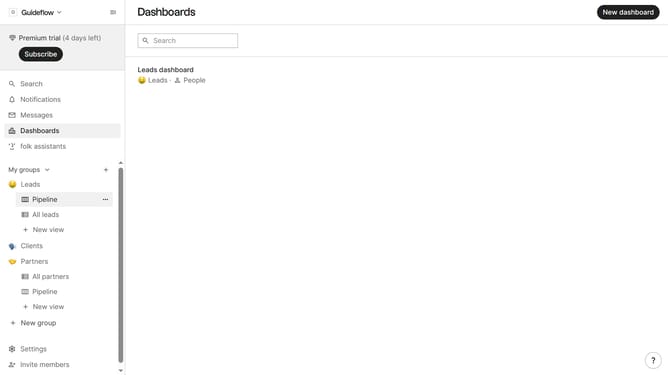
- First, click on the table view where you want to sort by email
- Then, click on the sort icon in the header
- Next, click on the "Sort by" dropdown button
- Finally, click on "Email" from the sort options in the header
Why should you sort a table view by email in Folk
Folk is a dynamic tool designed to streamline and enhance team collaboration and communication.
Sorting a table view by email in Folk is a straightforward feature that adds significant organizational clarity. By arranging your data alphabetically, it becomes easier to navigate and find specific information.
This feature is particularly beneficial for ensuring consistency when reviewing or updating large datasets. Simplifying how you access email-related data can enhance productivity and efficiency in any workflow.
Last update