How to group pipeline by company size in Folk
Here is how to group pipeline by company size in folk
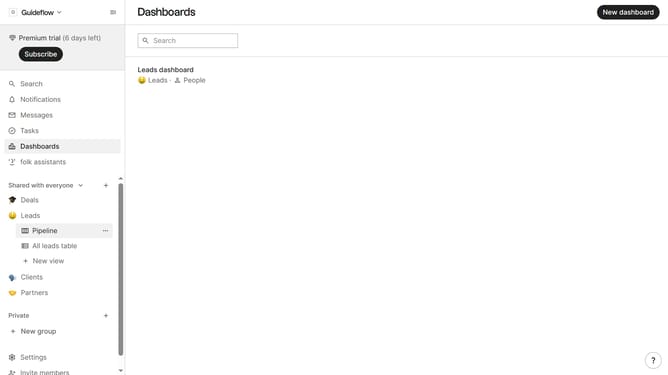
- First, click the "Pipeline" option in the left sidebar under the group where you want to group by company size
- Then click on the "View options" icon in the header
- Finally select "Company size" from the dropdown menu in the header
Why should you group pipeline by company size in Folk
Folk is a versatile CRM tool designed to streamline communication and organization of contacts.
The ability to group your pipeline by company size within Folk brings clarity to your workflow. This feature allows you to tailor your approach based on the specific needs and dynamics of small, medium, or large enterprises.
By segmenting your pipeline by company size, you can prioritize leads and allocate resources more effectively. This can lead to more strategic communication, better time management, and ultimately, improved conversion rates.
Last update