How to calculate the percent filled deal value in a pipeline column in Folk
Here is how to calculate the percent filled deal value in a pipeline column in folk
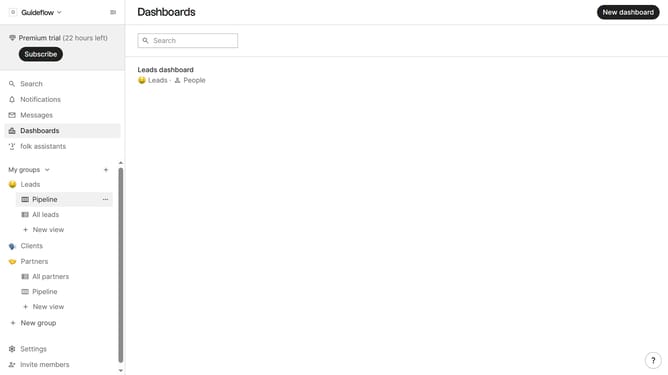
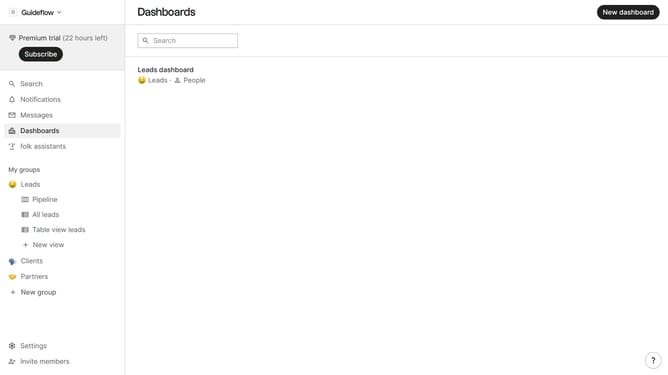
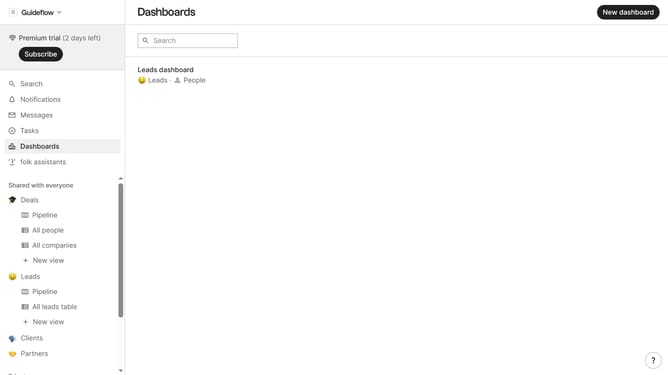
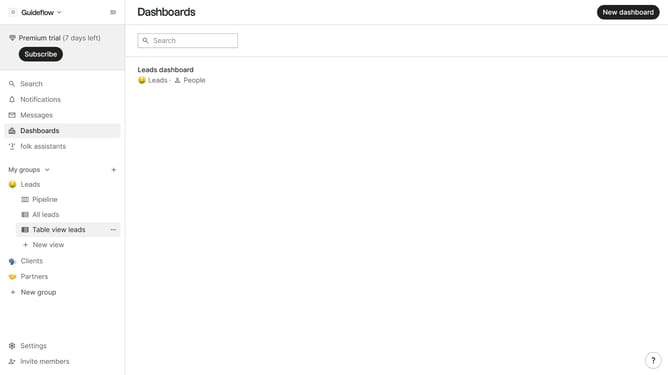
- First, click the "Pipeline" option in the left sidebar under the group where you want to calculate percent filled deal value per column
- Then click on the dropdown menu next to a column label
- Next, hover your mouse cursor over the "Percent filled" option
- Finally click on "Deal value" option to calculate the percentage filled
Why should you calculate the percent filled deal value in a pipeline column in Folk
Folk is an intuitive platform that streamlines relationship management for teams.
Understanding how to calculate the percent filled deal value in a pipeline column in Folk is crucial for maintaining a clear overview of your sales efforts. This feature aids in tracking performance and measuring progress against your goals.
Using this calculation empowers teams to make data-driven decisions, optimize resources, and prioritize opportunities effectively. By having an accurate assessment of pipeline value, teams can enhance strategy and improve revenue forecasting.
Last update