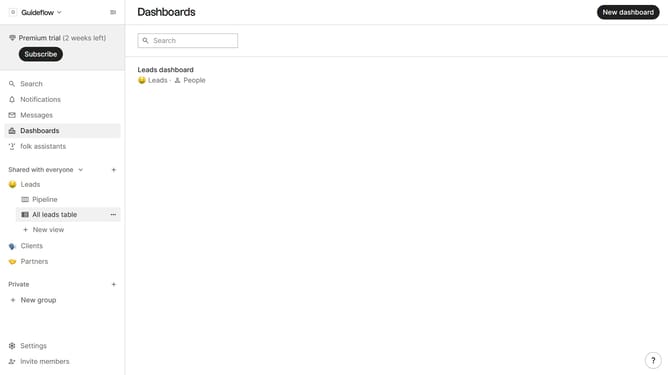
How to hide the lost reason field in a table view in Folk
Here is how to hide the lost reason field in a table view in folk
- First, click on a table view where you want to hide the "Next steps field"
- Then click on the view icon in the top right of the page
- Next, scroll down in the dropdown menu
- Finally click on the "Hide" icon next to "Next steps" in the dropdown menu
Why should you hide the lost reason field in a table view in Folk
Folk is a dynamic platform designed to streamline team collaboration and workflow management.
One of Folk's practical features is the ability to hide the "lost reason" field in a table view, simplifying data presentation. By utilizing this feature, users can focus on the most pertinent information without unnecessary distractions.
Hiding the "lost reason" field enhances clarity, enabling teams to maintain efficiency while sifting through crucial data. It ensures that only relevant details are highlighted, facilitating a seamless and productive user experience.
Last update