How to hide the added to group by field in a table view in Folk
Here is how to hide the added to group by field in a table view in folk
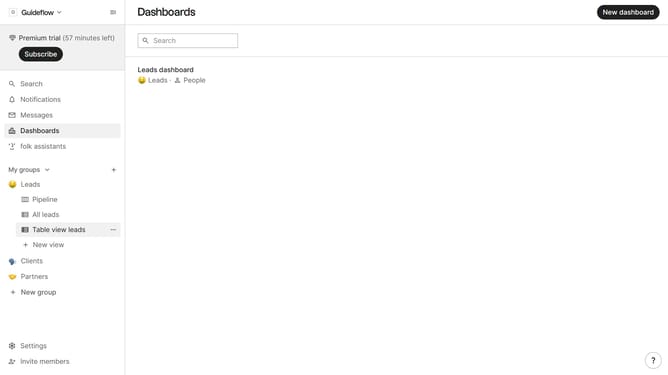
- First, click on a table view where you want to hide the "Added to group by field"
- Then click on the view icon in the top right of the page
- Next, scroll down in the dropdown menu
- Finally click on the "Hide" icon next to "Added to group by" in the dropdown menu
Why should you hide the added to group by field in a table view in Folk
Folk is a dynamic tool designed to streamline and enhance your contact management process.
One of its standout features is the ability to hide the "added to group by" field in a table view, offering a cleaner and more customized data layout. This function allows users to focus on the most pertinent information without unnecessary clutter, enhancing overall productivity.
By simplifying your view, you can more easily track progress and centralize key details, ensuring that your focus remains on what truly matters. This feature is especially beneficial for teams looking to optimize their workflow efficiency in managing diverse contacts.
Last update