How to create a travel and tourism company vertical ratio chart in Folk
Here is how to create a travel and tourism company vertical ratio chart in folk
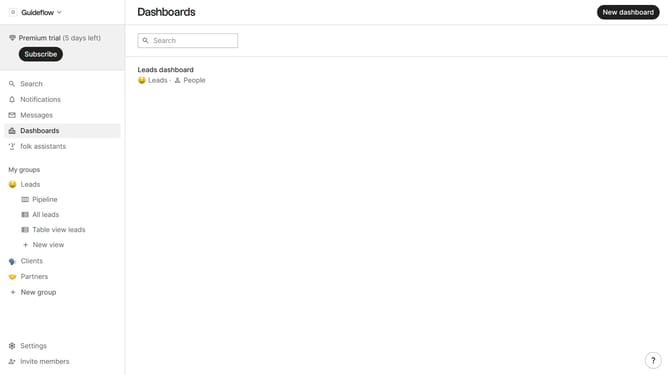
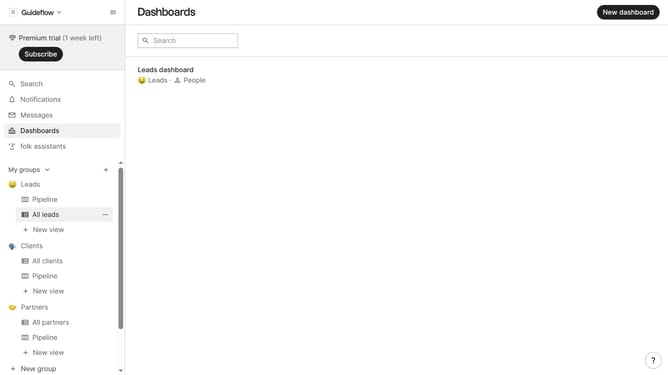
- First click on "Dashboards" in the left sidebar
- Then click on the dashboard where you want to create a travel and tourism company vertical ratio chart
- Next, click on the "Add chart" button in the top right corner
- Then click on the "Measure" dropdown option
- Next hover your mouse cursor over the "Ratio" option
- After that, hover your mouse cursor over the "Company vertical" option
- Then select "Travel and tourism" from the displayed options
- Finally click on the "Save" button
Why should you create a travel and tourism company vertical ratio chart in Folk
Folk is a versatile tool designed to streamline data visualization and enhance collaborative work.
Creating a travel and tourism company vertical ratio chart in Folk allows businesses to gain clear insights into diverse market segments. With its intuitive interface, Folk simplifies the representation of complex data into easy-to-interpret visuals.
This feature aids in identifying trends and making informed decisions, essential for staying competitive in the rapidly evolving travel sector. Leveraging Folk’s capabilities ensures that stakeholders can quickly grasp performance metrics and align strategies effectively.
Last update