How to create a tech ratio chart in Folk
Here is how to create a tech ratio chart in folk
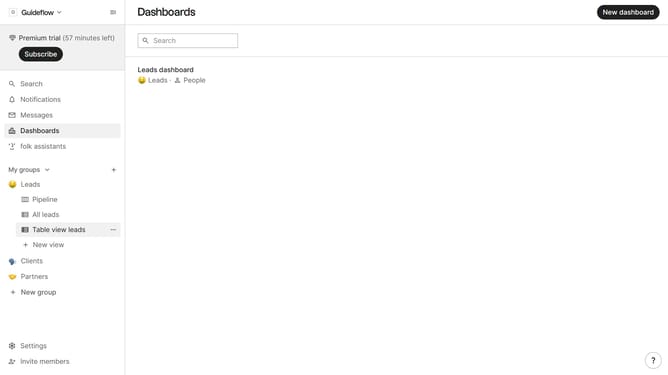
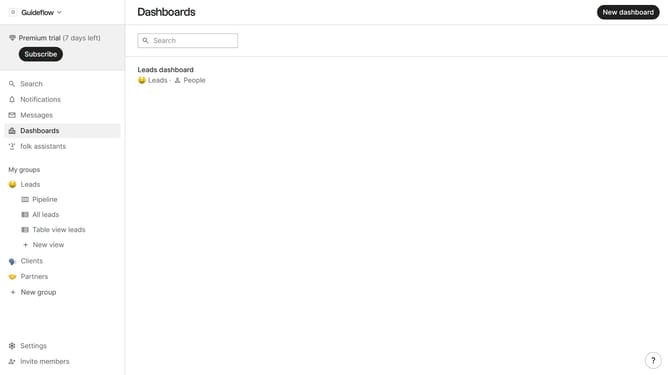
- First click on "Dashboards" in the sidebar
- Then click on the dashboard where you want to create a tech ratio chart
- Click on "Add chart" button
- Next click on the "Measure" dropdown option
- Then hover your mouse cursor over the "Ratio" option
- After that, hover your mouse cursor over the "Company vertical" option
- Then click on "Tech" to select the company size
- Finally click on the "Save" button
Why should you create a tech ratio chart in Folk
Folk is an intuitive tool designed for effectively managing and visualizing tech data.
Creating a tech ratio chart in Folk is a straightforward process that enables easy visualization of proportions within your technical data sets.
This feature is particularly beneficial for identifying trends, spotting inconsistencies, and enhancing data-driven decisions by providing a clear, graphical representation of numerical relationships.
Ultimately, using tech ratio charts in Folk elevates analytical capabilities, fostering a more informed approach to tech management.
Last update