How to download the desktop app for windows in Folk
Here is how to download the desktop app for windows in folk
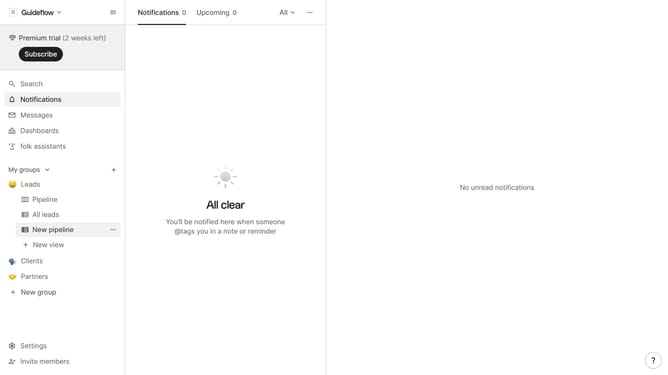
- First click on "Settings" in the sidebar
- Then click on the "Apps & extensions" item in the sidebar
- Then click on the "Download for Windows" button
- Finally click on the "Download for Windows" button on the new tab
Why should you download the desktop app for windows in Folk
Folk is an intuitive tool designed to streamline the way teams manage contacts and communication.
Downloading the desktop app for Windows in Folk is a straightforward process that brings this collaborative power right to your desktop. This integration ensures seamless access to your contacts, enhancing productivity by keeping everything within reach.
Using the Folk desktop app offers the benefit of improved efficiency, as it allows users to work offline and manage communication centrally.
Enjoy the convenience and organized approach Folk provides, transforming how you collaborate in your daily tasks.
Last update