How to sort a table view by gender in Folk
Here is how to sort a table view by gender in folk
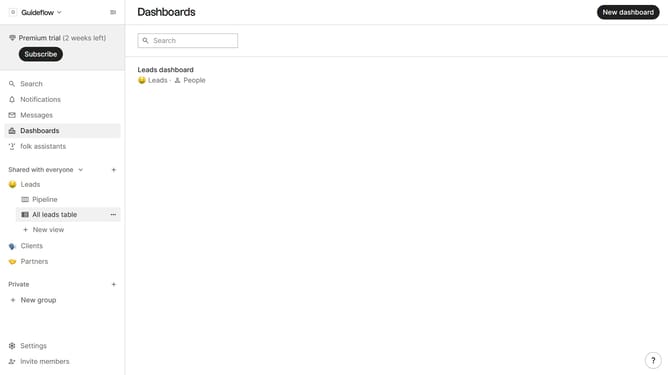
- First, click on the table view where you want to sort by "Gender"
- Then click on the sort icon in the header
- Next, click on the "Sort by" dropdown button
- Then, scroll down in the dropdown menu
- Finally select "Gender" from the dropdown list
Why should you sort a table view by gender in Folk
Folk is an intuitive platform designed to streamline team collaboration and data management.
One valuable feature of Folk is the ability to sort table views by gender, enabling users to organize and visualize data efficiently.
Utilizing this feature helps to quickly filter and analyze relevant information, which enhances decision-making and target-specific strategies.
This sorting option enriches user experience by simplifying data categorization and improving overall workflow efficiency.
Last update