How to hide the company vertical field in a pipeline view in Folk
Here is how to hide the company vertical field in a pipeline view in folk
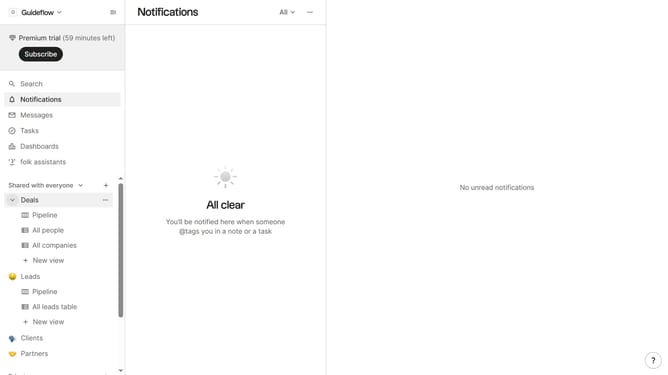
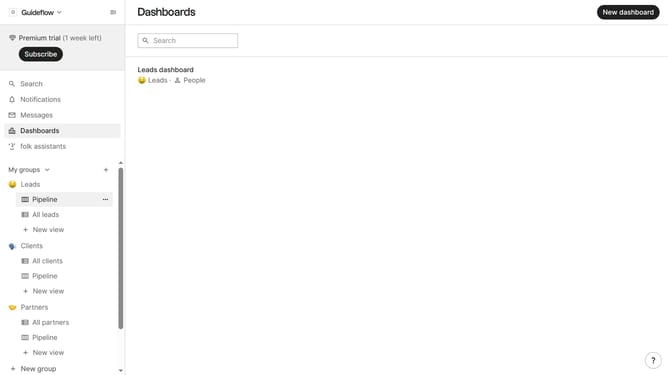
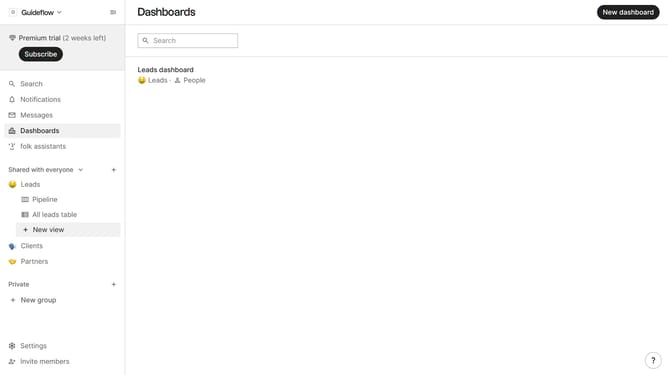
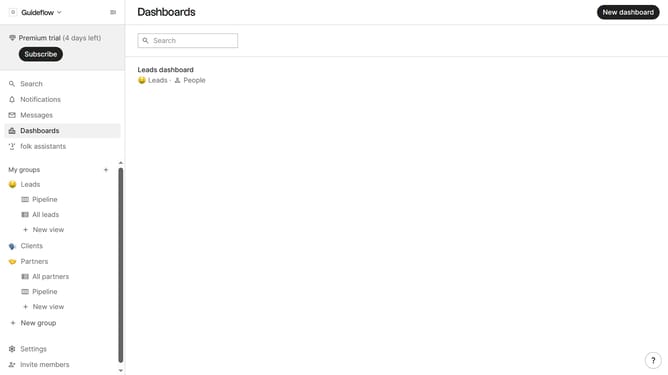
- First, click on a pipeline view where you want to hide the "Company vertical field"
- Then click on the view icon in the top right of the page
- Next, scroll down in the dropdown menu
- Finally click on the "Hide" icon next to "Company vertical" in the dropdown menu
Why should you hide the company vertical field in a pipeline view in Folk
Folk is a dynamic tool designed to streamline and enhance team collaboration and project management with user-friendly interfaces.
In Folk, you have the flexibility to customize your workspace, including the ability to hide the company vertical field in a pipeline view.
This feature is particularly useful when you want to reduce on-screen clutter and focus only on the most relevant data to your current workflow.
By hiding unnecessary fields, you can tailor the pipeline view to better suit your immediate project needs, enhancing productivity and clarity.
Last update