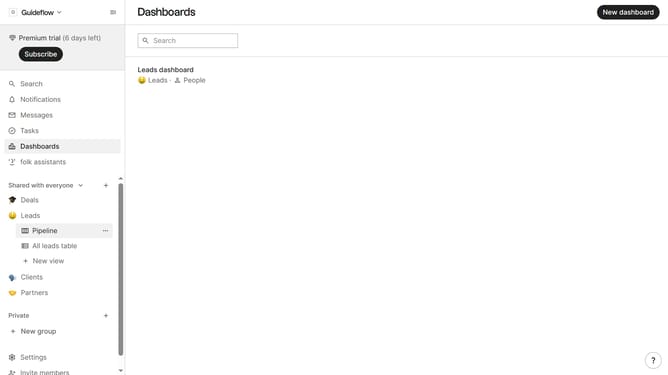
How to show the urls(company) field in a table view in Folk
Here is how to show the urls(company) field in a table view in folk
- First, click on a table view where you want to show the urls(company) field
- Then click on the view icon in the top right of the page
- Next, scroll down in the dropdown menu
- Finally click on the "View" icon next to "Urls(company)" in the dropdown menu
Why should you show the urls(company) field in a table view in Folk
Folk is an intuitive contact management platform designed to streamline team collaboration.
The ability to show the URLs (company) field in a table view in Folk enhances your ability to organize and access essential company information effortlessly.
Having URLs readily visible allows for quick access to company websites, increasing efficiency in research and communication.
This feature simplifies the workflow, ensuring that crucial data is always just a glance away, fostering better teamwork and productivity.
Last update