How to hide the birthday field in a table view in Folk
Here is how to hide the birthday field in a table view in folk
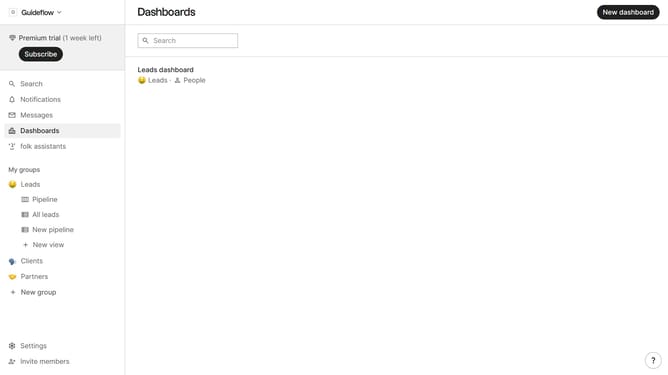
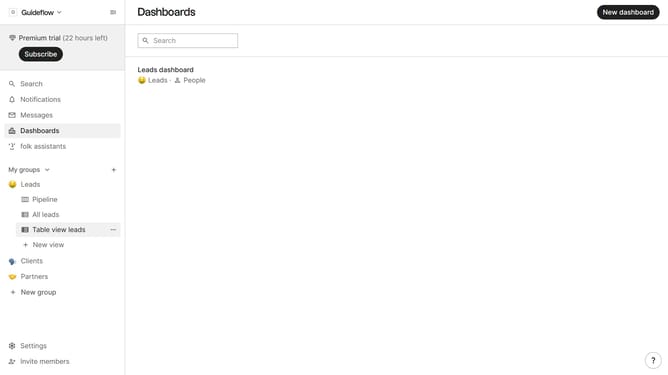
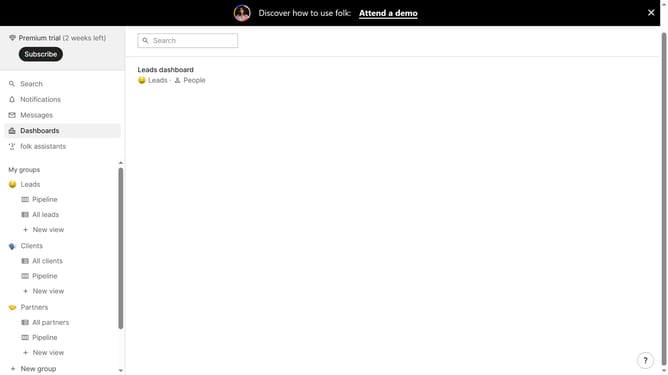
- First, click on a table view where you want to hide the "Birthday field"
- Then click on the view icon in the top right of the page
- Next, scroll down in the dropdown menu
- Finally click on the "Hide" icon next to "Birthday" in the dropdown menu
Why should you hide the birthday field in a table view in Folk
Folk is a dynamic platform designed to streamline team collaboration and enhance productivity through customizable data management.
One of Folk’s intuitive features allows you to easily hide the birthday field in a table view. This ensures that your workspace remains clutter-free and tailored to the specific data needs of your project.
By focusing only on relevant information, teams can work more efficiently, minimizing distractions and maximizing clarity.
Customizing your view not only enhances concentration but also preserves privacy, making information management in Folk seamless and effective.
Last update