How to calculate the count filled deal value in a pipeline column in Folk
Here is how to calculate the count filled deal value in a pipeline column in folk
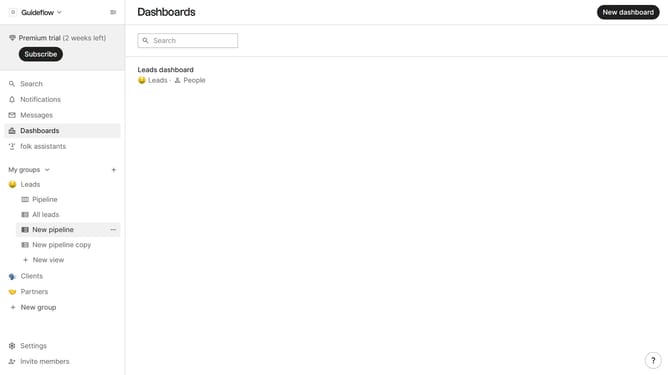
- First, click the "Pipeline" option in the left sidebar under the group where you want to calculate the count filled deal value per column
- Then click on the dropdown menu next to a column label
- Next, hover your mouse cursor over the "Count filled" option
- Finally, click on "Deal value" in the submenu
Why should you calculate the count filled deal value in a pipeline column in Folk
Folk is a dynamic platform that streamlines team engagement and workflow efficiency.
One essential feature is the ability to calculate the count of filled deal values within a pipeline column, enhancing your ability to track progress seamlessly.
By using this feature, teams can quickly assess pipeline performance, identify bottlenecks, and make informed decisions to drive success.
Overall, it provides clarity and accuracy in managing and forecasting business opportunities, clearly emphasizing the potential for growth and efficiency.
Last update