How to show the industry(company) field in a table view in Folk
Here is how to show the industry(company) field in a table view in folk
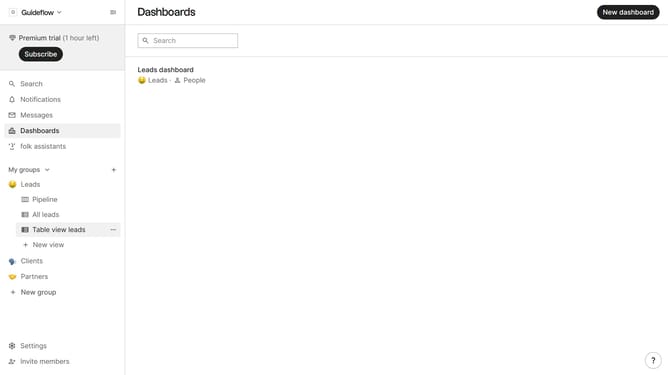
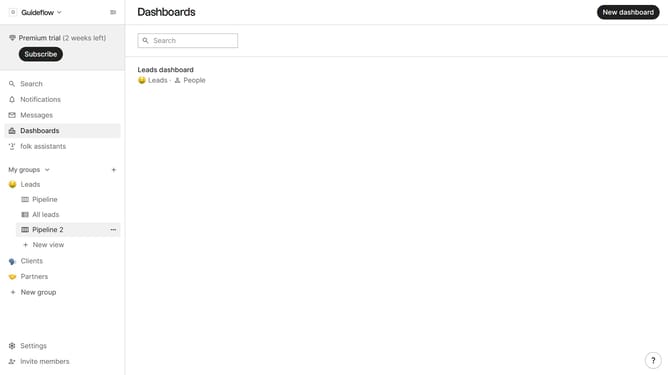
- First, click on a table view where you want to show the industry(company) field
- Then click on the view icon in the top right of the page
- Next, scroll down in the dropdown menu
- Finally click on the "View" icon next to "Industry(company)" in the dropdown menu
Why should you show the industry(company) field in a table view in Folk
Folk is a versatile platform designed to streamline team collaboration and contact management efficiently.
Displaying the industry or company field in a table view on Folk allows users to easily categorize and filter contacts based on specific industry segments. This feature significantly enhances data organization, allowing for a more accessible and visually appealing presentation of contacts.
By leveraging this feature, teams can quickly identify patterns, target industry-specific markets, and customize communication strategies. It introduces a layer of precision and ease to your contact management, empowering informed decision-making across various business functions.
Last update