How to create a competitor lost reason ratio chart in Folk
Here is how to create a competitor lost reason ratio chart in folk
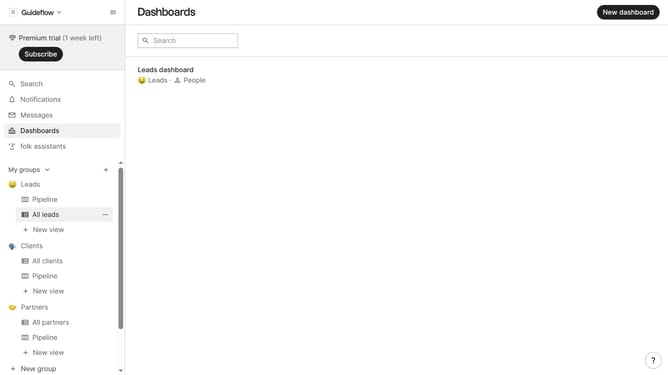
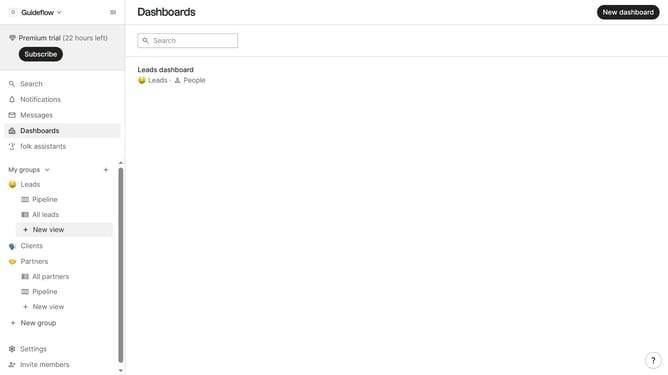
- First click on the "Dashboards" item in the left sidebar
- Then click on the dashboard where you want to a competitor lost reason ratio chart
- Next, click on the "Add chart" button
- Next click on the "Measure" dropdown option
- Then hover your mouse cursor over the "Ratio" option
- After that, hover your mouse cursor over the "Lost reason" option
- Then click on "Competitor" to select it
- Finally, click on the "Save" button
Why should you create a competitor lost reason ratio chart in Folk
Folk is a sophisticated tool designed to enhance team collaboration and communication by organizing and managing contacts efficiently.
Creating a competitor lost reason ratio chart in Folk empowers businesses to understand why potential opportunities are falling through the cracks. This feature provides insightful visual representation of loss reasons, helping teams pinpoint challenges and trends with precision.
Utilizing this chart not only aids in refining competitive strategies but also stimulates critical discussions about improving offerings, ultimately driving growth and success.
Last update