How to change task assignee in Folk
Here is how to change task assignee in folk
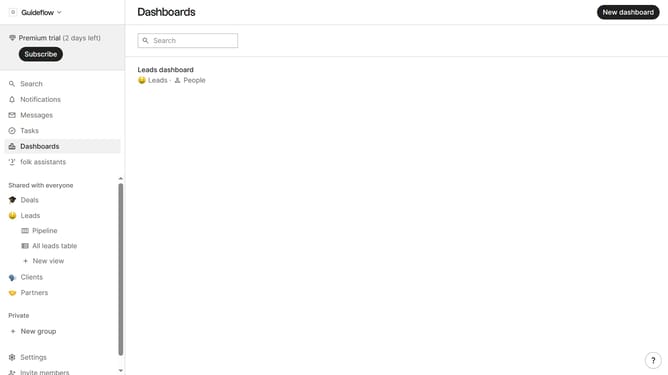
- First click on "Tasks" in the left sidebar
- Then, click the "..." button next to the task you want to assign to an assignee
- Next click on "Edit..." in the dropdown menu
- Then click on the assignee button to open the assignee list
- After that, click the checkbox next to the person you want to assign the task
- Finally click on the "Save task" button
Why should you change task assignee in Folk
Folk is an intuitive tool designed to simplify team collaboration and streamline task management.
Changing a task assignee in Folk is a seamless feature, allowing you to effortlessly reassign responsibilities within your team.
This ability to modify task ownership promotes adaptability, ensuring that tasks are handled by the right people at the right time, minimizing bottlenecks and maximizing efficiency.
By utilizing this feature, you enhance team dynamics and ensure your projects are always on track.
Last update