How to unpublish a view in Folk
Here is how to unpublish a view in folk
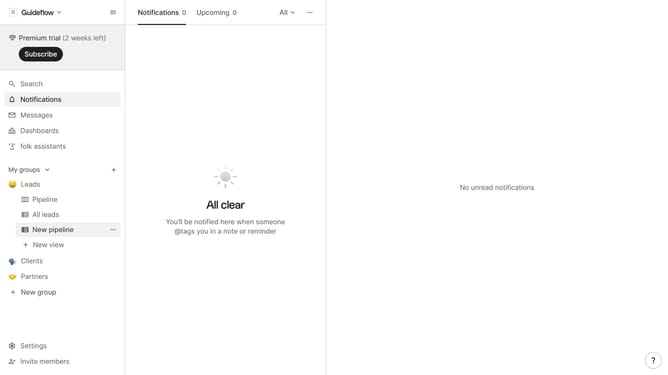
- First hover your mouse over the view that you want to unpublish
- Then click on the "three dots" icon next to the view name
- Next select "Manage public view" from the dropdown menu
- Finally click on the "Unpublish" button
Why should you unpublish a view in Folk
Folk is a dynamic platform designed to effortlessly manage and streamline your contacts.
Unpublishing a view in Folk allows you to control who has access to particular data sets, enhancing privacy and security. This feature is particularly useful when views are no longer needed or ready to be shared.
Benefits of this feature include maintaining data relevance and ensuring that only the appropriate information is visible to your team. This keeps your workspace organized and focuses on what's essential.
Overall, this offers a smoother experience, optimizing collaboration and data management within your organization.
Last update