How to hide the employee range (company) field in a table view in Folk
Here is how to hide the employee range (company) field in a table view in folk
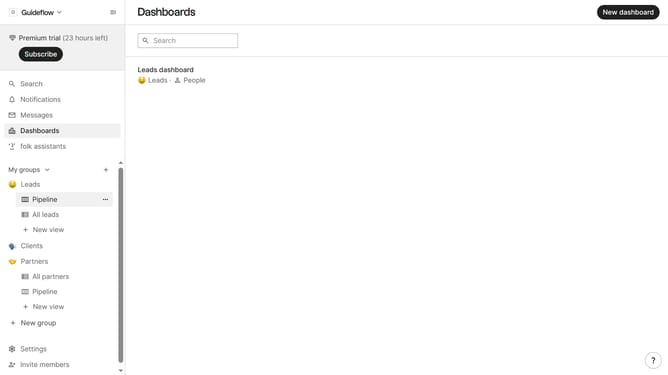
- First, click on a table view where you want to hide the "Employee range (company) field"
- Then click on the view icon in the top right of the page
- Next, scroll down in the dropdown menu
- Finally click on the "Hide" icon next to "Employee range (company)" in the dropdown menu
Why should you hide the employee range (company) field in a table view in Folk
Folk is an innovative platform tailored to streamline and optimize your contact and relationship management.
One of its handy features is the ability to hide the employee range (company) field in a table view, allowing you to focus on the most pertinent data without distraction.
This function is particularly beneficial for users seeking a cleaner, more simplified view, prioritizing key information that matters most in decision-making processes.
Ultimately, this feature enhances efficiency and clarity, empowering users to achieve more insightful and organized workflow management.
Last update