How to sort a table view by added to group at in Folk
Here is how to sort a table view by added to group at in folk
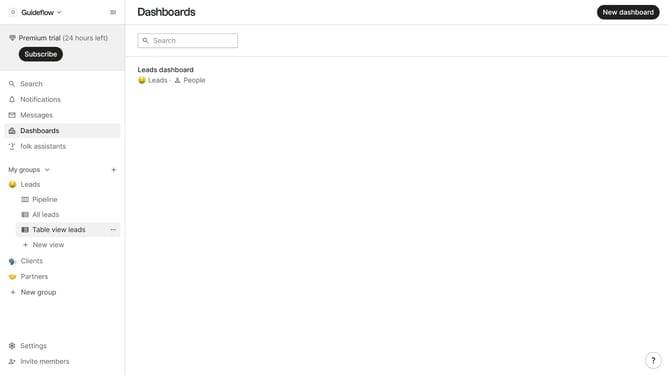
- First, click on the table view where you want to sort by "Added to group at"
- Then click on the sort icon in the top menu
- Next, click on the "Sort by" dropdown button
- Then, scroll down in the dropdown menu
- Finally click on the "Added to group at" option in the extended sorting options
Why should you sort a table view by added to group at in Folk
Folk is an innovative platform designed to streamline group management and communication efforts effortlessly.
One of the key features of Folk is the ability to sort a table view by the "added to group at" attribute. This feature enables users to efficiently organize and view records based on when they were added to a group, enhancing the ease of data management.
Utilizing this feature allows users to quickly identify and prioritize the most recent additions to a group, ensuring that their focus is always directed toward the most relevant entries.
Overall, sorting by "added to group at" maximizes the efficiency and organization of team operations, fostering a more productive environment.
Last update