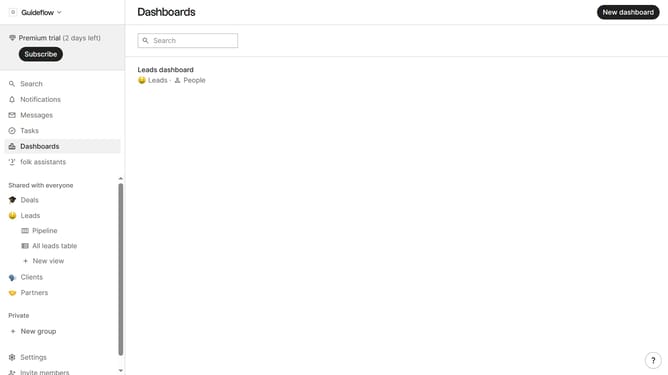
How to show the company size field in the pipeline in Folk
Here is how to show the company size field in the pipeline in folk
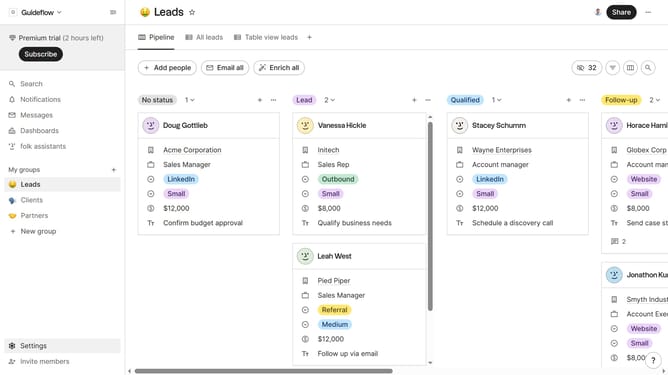
- First click on "Pipeline" item in the sidebar under the group where you want to show the Company size field
- Then click on the "View" button with in the top menu
- Next, scroll down in the dropdown menu
- Finally click on the "View" icon next to "Company size" in the field list
Why should you show the company size field in the pipeline in Folk
Folk is an innovative tool designed to streamline and enhance team collaboration and communication.
One invaluable feature of Folk is the ability to display the company size field in the pipeline. This practical feature provides immediate insights into the scale of businesses within your pipeline, allowing teams to tailor their strategies accordingly.
By understanding the company size, teams can prioritize tasks and craft personalized approaches, leading to efficient relationship management and optimized project outcomes.
Last update