How to hide the industry (company) field in a table view in Folk
Here is how to hide the industry (company) field in a table view in folk
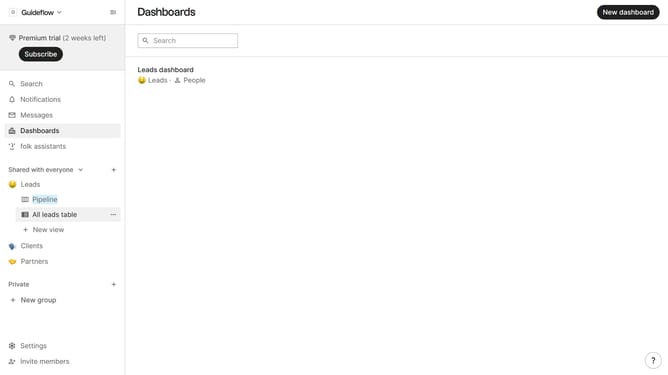
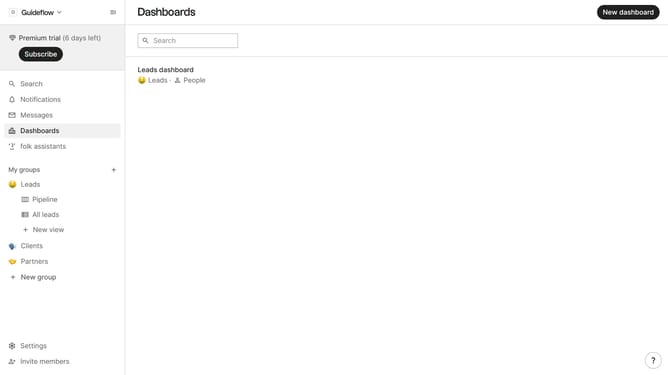
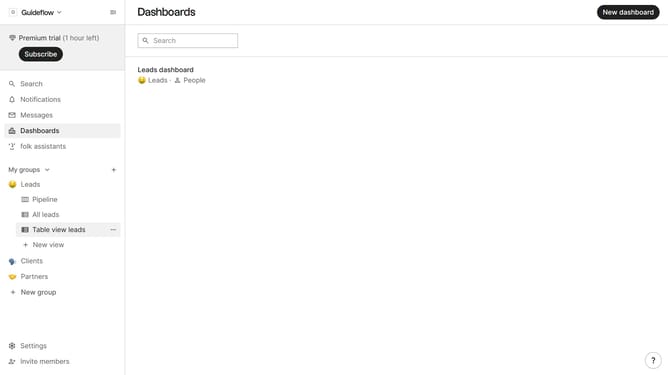
- First, click on a table view where you want to hide the "Channel field"
- Then click on the view icon in the top right of the page
- Next, scroll down in the dropdown menu
- Finally click on the "Hide" icon next to "Channel" in the dropdown menu
Why should you hide the industry (company) field in a table view in Folk
Folk is a versatile platform designed to streamline contact management and collaboration for dynamic teams.
Hiding the industry (company) field in a table view within Folk allows you to customize your workspace to better fit your current focus, enhancing clarity in data presentation.
This feature is especially beneficial when industry data is not relevant to a task, minimizing unnecessary details and improving user concentration on more pertinent information.
By refining what you see, Folk empowers you to maintain an organized and efficient workflow, tailored precisely to your needs.
Last update