How to set the appearance to dark in Folk
Here is how to set the appearance to dark in folk
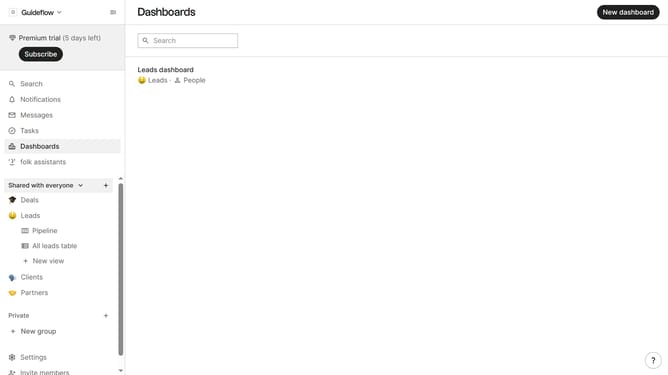
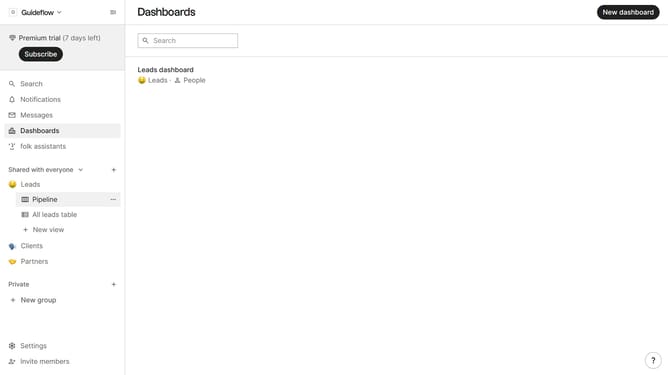
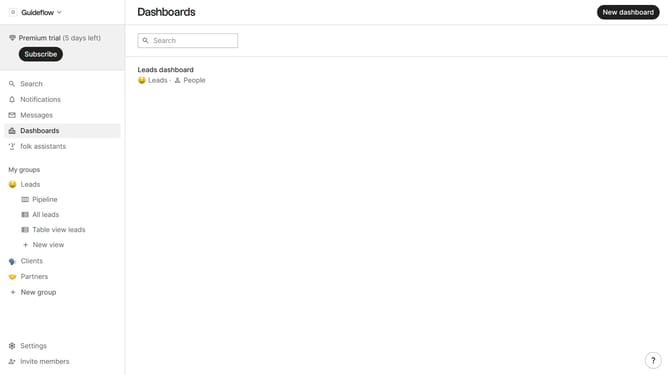
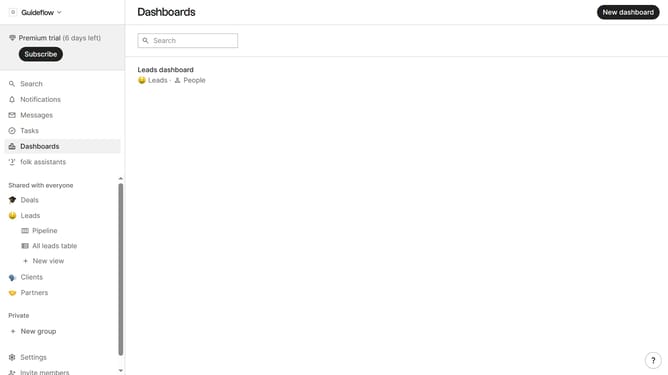
- First click on "Settings" tab in the left sidebar
- Then click on the "Appearance" dropdown button
- Finally select "Dark" option in the dropdown menu
Why should you set the appearance to dark in Folk
Folk is your go-to collaborative tool for managing contacts and fostering seamless team communication.
Switching to dark mode in Folk can transform your user experience, providing a sleek and visually appealing interface.
This feature reduces eye strain, especially beneficial during long work hours or in low-light environments, enhancing your focus and productivity.
Dark mode also conserves battery life on mobile devices, allowing you to stay connected longer without frequent recharging.
Last update