How to sort a table view by funding raised(company) in Folk
Here is how to sort a table view by funding raised(company) in folk
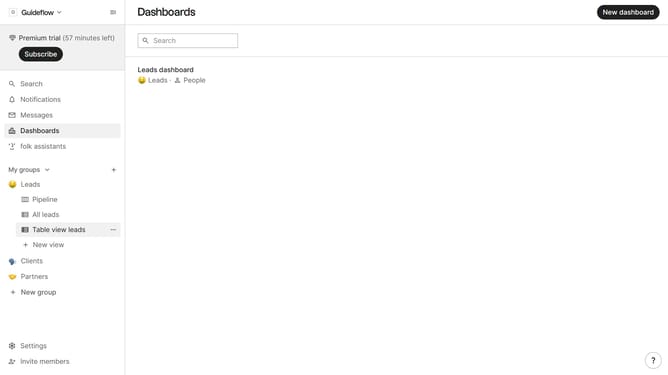
- First, click on the table view where you want to sort by "Funding raised(company)"
- Then click on the sort icon in the top menu
- Next, click on the "Sort by" dropdown button
- Then, scroll down in the dropdown menu
- Finally click on "Funding raised (company)" in the dropdown menu
Why should you sort a table view by funding raised(company) in Folk
Folk is an intuitive data management tool designed to streamline your information organization effortlessly.
Sorting a table view by funding raised in Folk empowers users to swiftly prioritize companies based on their financial achievements.
This feature enhances decision-making by allowing quick identification of top performers, facilitating strategic planning and investment evaluation.
With its user-friendly interface, Folk makes it simple to arrange data, enabling you to focus on what truly matters.
Last update