How to connect MCP in Folk
Here is how to connect mcp in folk
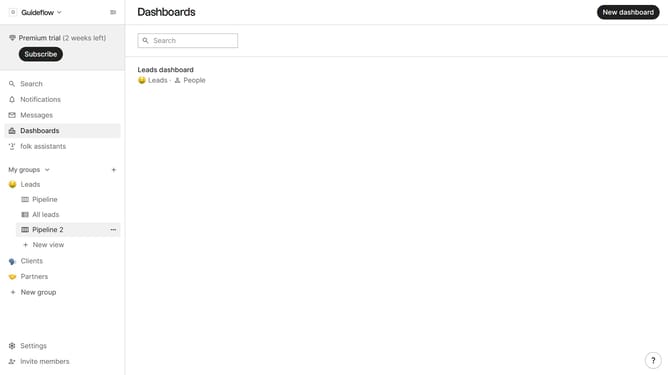
- First click on "Settings" item in the left sidebar
- Then select "Apps & extensions" from the left sidebar
- Next, click on the "Connect MCP" button
- Finally, click on the "Copy" button to copy the link and put it on your favorite AI tool
Why should you connect MCP in Folk
Folk is your ultimate collaboration hub for managing relationships effortlessly.
Connecting MCP in Folk is a straightforward process that enhances your workflow, integrating vital platforms seamlessly.
This feature is invaluable for syncing data across multiple channels, ensuring real-time updates and consistent communication.
By using MCP within Folk, you're equipped with a streamlined experience that fosters productivity and sharpens your team's focus on what truly matters.
Last update