How to add a view to favorites in Folk
Here is how to add a view to favorites in folk
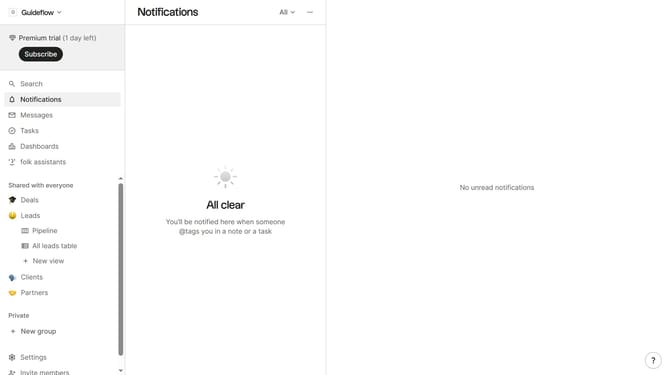
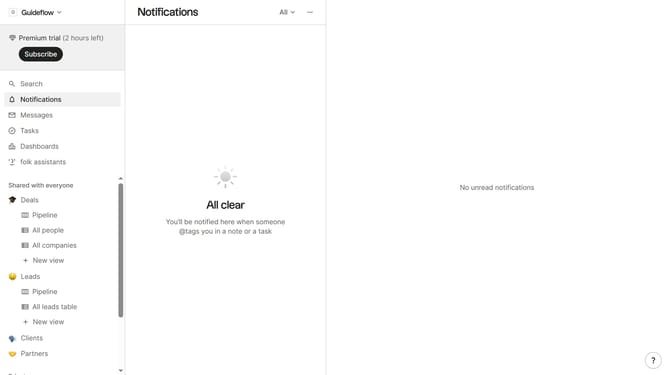
- First, hover your mouse cursor over the view you want to add to favorites
- Then, click on the three dots menu next to the view
- Finally, click on the "Add to favorites" option from the dropdown menu
Why should you add a view to favorites in Folk
Folk is a collaborative workspace designed to streamline team communication and relationship management.
By adding a view to favorites in Folk, you gain the ability to easily access frequently used or crucial information with just a click, enhancing productivity.
Streamlining repeated processes by such customizations enables efficient workflow by focusing on what's important, ensuring pivotal data is always within reach.
This feature helps you easily navigate complex projects, fostering an organized and efficient communication environment.
Last update