How to edit an API key in Folk
Here is how to edit an api key in folk
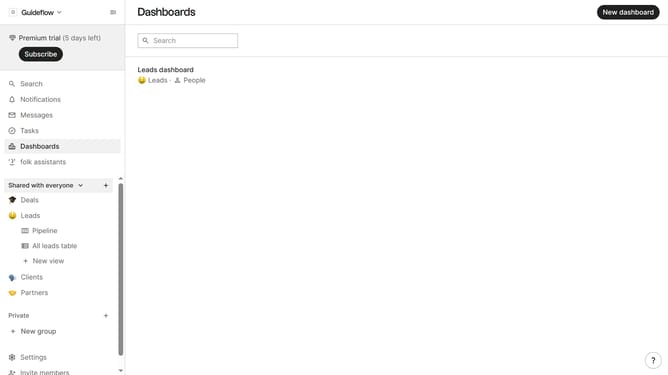
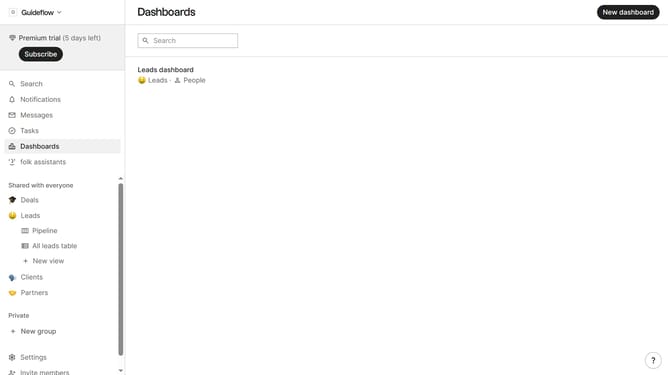
- First, click on the "Settings" item in the left sidebar
- Then, click on the "API" item in the left sidebar
- Next, click on the three dots icon in the top-right corner of the API keys section
- After that, click on the "Edit..." option in the dropdown menu
- Then, click the "Default API Key" text input field and rename the API key to your desired name
- Finally, click on the "Save" button
Why should you edit an API key in Folk
Folk is an innovative platform that simplifies team collaboration and data management.
Editing an API key in Folk is a seamless process, ensuring that your application integrations remain secure and up-to-date.
This feature is essential for maintaining the integrity of your data connections, providing you with peace of mind and operational efficiency.
By easily editing your API keys, you minimize downtime and ensure that your integrations continue to function smoothly, supporting your team's productivity.
Last update