How to create a bar chart for people count in Folk
Here is how to create a bar chart for people count in folk
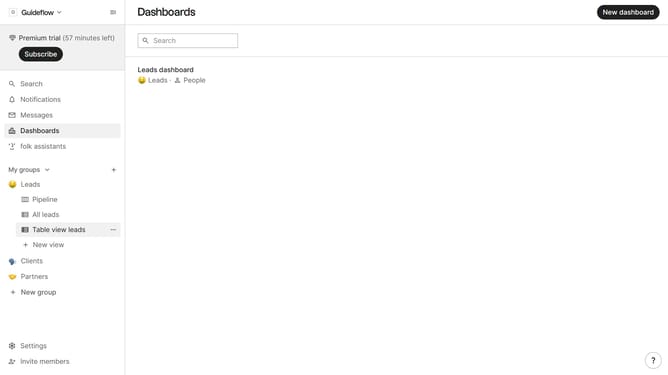
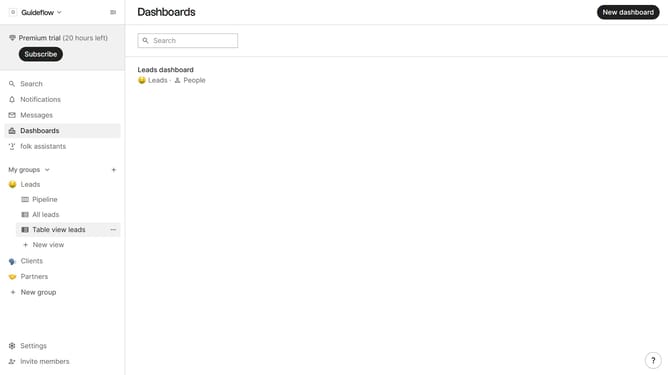
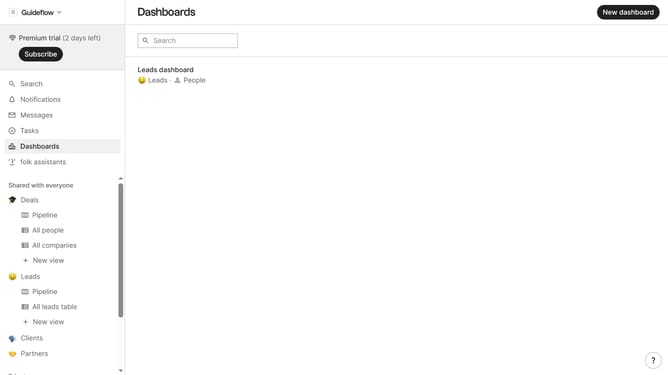
- First click on "Dashboards" in the left sidebar
- Next click on the dashboard where you want to create a bar chart for people count
- Then, click on the "Add chart" button
- Next click the "Chart type" dropdown menu
- Then select "Bar" from the chart type options
- Next click on the "Measure" dropdown button
- Then hover your mouse cursor over the "Count" menu
- Next click on the "People" option from the dropdown menu
- Then click on the "View by" dropdown button
- Next click on your preferred view option from the menu that appears
- Finally, click on the "Save" button
Why should you create a bar chart for people count in Folk
Folk is an intuitive tool designed to streamline and enhance people management and collaboration.
Creating a bar chart for people count in Folk is a straightforward way to visualize and comprehend group sizes or attendance figures effortlessly. This feature empowers users to grasp significant data insights at a glance.
Bar charts deliver clarity and precision, making it easier to make informed decisions or present data compellingly. With Folk, turning numbers into visual stories becomes seamless and impactful.
Last update