How to revoke an API key in Folk
Here is how to revoke an api key in folk
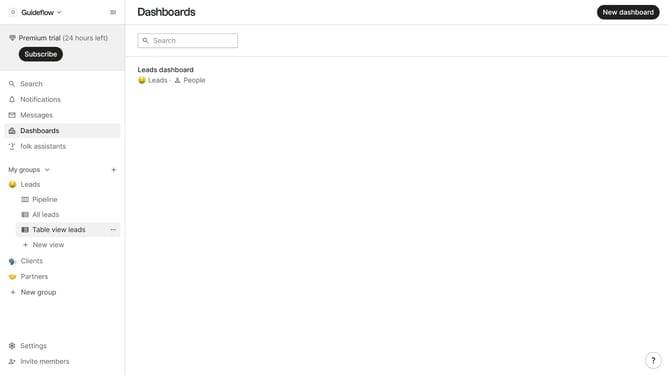
- First click on "Settings" in the sidebar
- Then click on the "API" option in the sidebar menu
- Next click on the "..." button next to the API key tht you want to revoke
- Then select "Revoke access..." from the dropdown menu
- Finally click on the "Revoke access" button to confirm
Why should you revoke an API key in Folk
Folk is an innovative platform designed to make collective work seamless and efficient.
The ability to revoke an API key in Folk enhances security by allowing instant deactivation of keys that are no longer needed or have been compromised. This feature is crucial for maintaining control over who accesses your data and ensuring that only authorized users can interact with your integrations.
Regularly revoking unused API keys reduces potential vulnerabilities, providing peace of mind and bolstering the overall integrity of your system. With this capability, you maintain flexibility without sacrificing security.
Last update