How to hide the lost reason field in a table view in Folk
Here is how to hide the lost reason field in a table view in folk
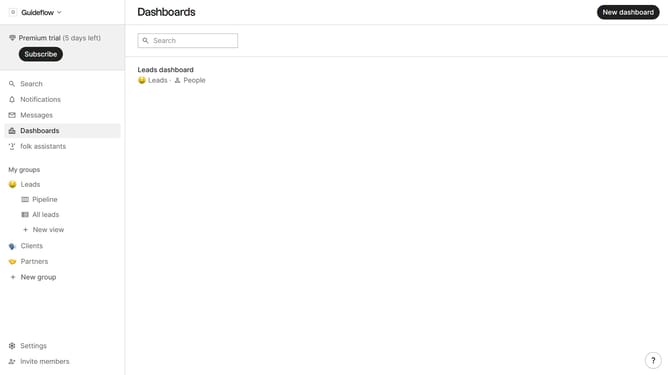
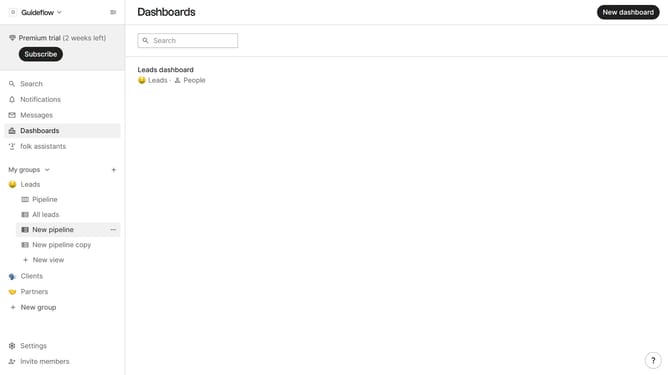
- First, click on a table view where you want to hide the "Lost reason field"
- Then click on the view icon in the top right of the page
- Next, scroll down in the dropdown menu
- Finally click on the "Hide" icon next to "Lost reason" in the dropdown menu
Why should you hide the lost reason field in a table view in Folk
Folk is an innovative platform that streamlines relationship management seamlessly.
One standout feature of Folk is the ability to hide the lost reason field in a table view. This customization option enhances user focus and minimizes clutter by eliminating fields that are not immediately relevant. By doing so, it allows users to personalize their workspace according to their current priorities.
Moreover, hiding the lost reason field can lead to improved workflow efficiency, ensuring that users always access the information they need most quickly, without unnecessary distractions.
Last update