How to enable email notifications for object assignments in Folk
Here is how to enable email notifications for object assignments in folk
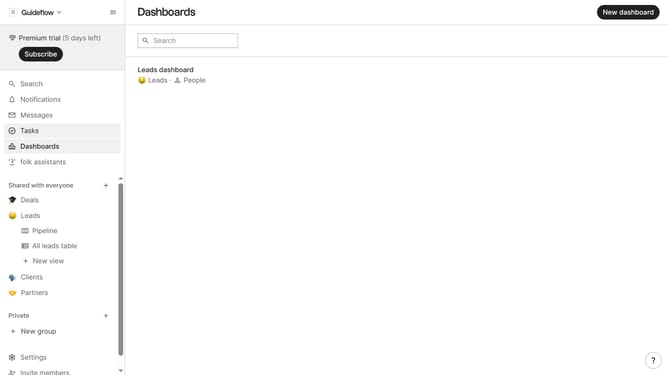
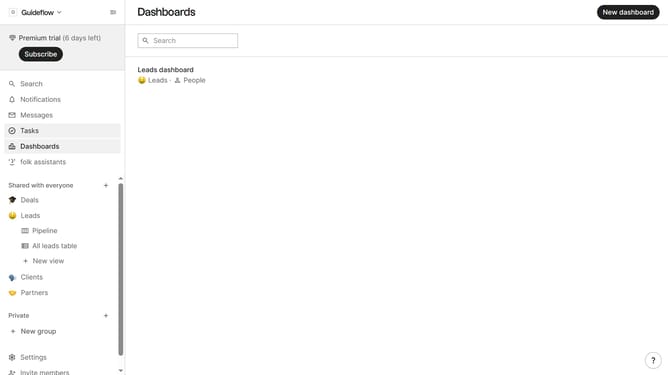
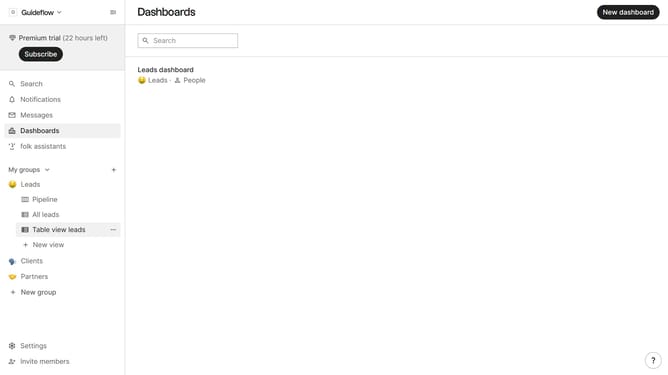
- First click on "Settings" in the left sidebar
- Then click on the "Notifications" tab in the left sidebar
- Finally click on the checkbox next to "I'm assigned to an object" in the "Notify me when..." section
Why should you enable email notifications for object assignments in Folk
Folk is a versatile tool designed to streamline teamwork through efficient management of shared resources and tasks.
Enabling email notifications for object assignments in Folk ensures that team members stay informed about new responsibilities and updates without missing a beat.
This feature enhances team communication by providing timely alerts directly to users' inboxes, leading to better coordination and productivity.
By keeping everyone in the loop, this notification system minimizes delays and fosters a proactive working environment.
Last update