How to change a task due date in Folk
Here is how to change a task due date in folk
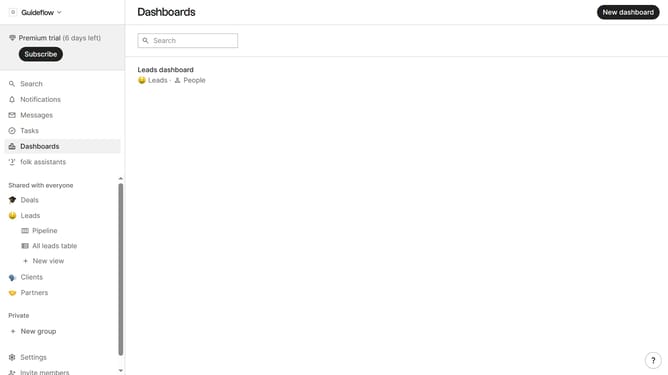
- First click on "Tasks" in the left sidebar
- Then click on the three dots icon next to the task that you want to change the due date
- Next select "Edit..." from the dropdown menu
- Then click on the due date button
- Next select "Custom date..." from the options
- Then click on your preferred due date in the calendar that appears
- Finally click on the "Save task" button
Why should you change a task due date in Folk
Folk is a dynamic platform designed to streamline and enhance your collaborative projects.
Among its many features, changing a task due date in Folk is particularly beneficial for team flexibility and project management efficiency.
Adjusting due dates ensures that timelines remain realistic and adaptable, promoting a more responsive workflow. This feature empowers users to accommodate shifts in priorities without disrupting progress.
Ultimately, it aids in maintaining a balanced workload, leading to timely project completion and team satisfaction.
Last update