How to duplicate a view in Folk
Here is how to duplicate a view in folk
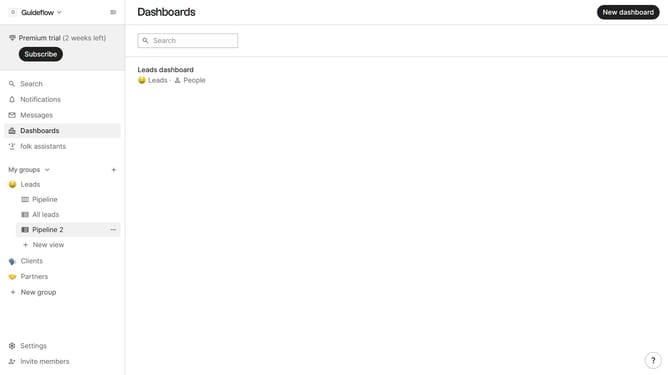
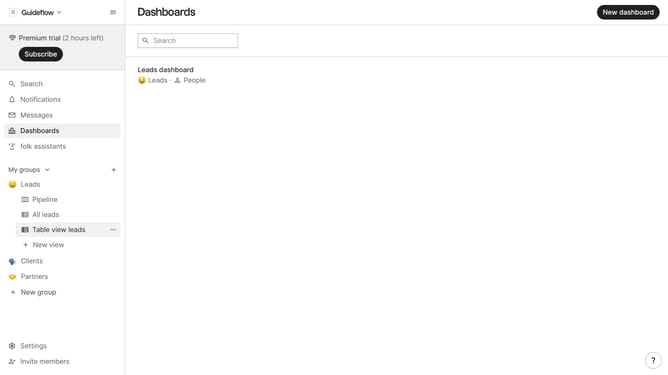
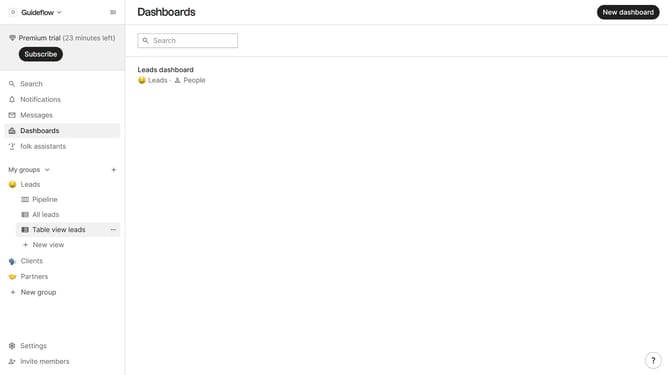
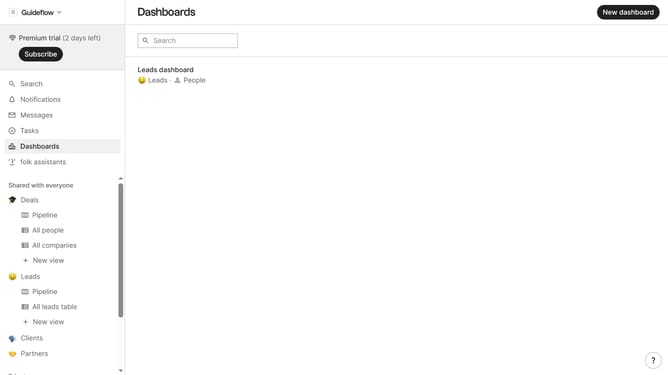
- First hover your mouse cursor over the view that you want to duplicate in the left sidebar
- Then click on the three dots next to the view that you want to duplicate in the left sidebar
- Finally click on "Duplicate view" in the dropdown menu
Why should you duplicate a view in Folk
Folk is a dynamic tool designed to streamline and enhance your relationship management processes.
Duplicating a view in Folk allows users to efficiently create an exact copy of any existing data view, saving valuable time and effort. This feature simplifies the process of maintaining consistent data perspectives across different teams or projects.
Using this feature ensures that everyone is on the same page, promoting seamless collaboration and reducing the likelihood of errors in data interpretation. It supports enhanced communication and workflow consistency, essential for any growing organization.
Last update