How to delete a task in Folk
Here is how to delete a task in folk
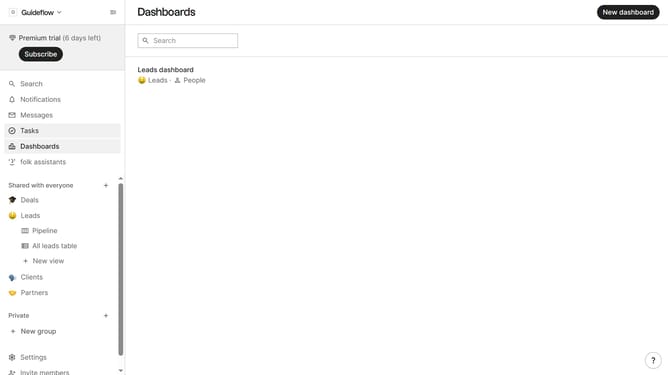
- First click on "Tasks" in the left sidebar
- Then click on the "..." button in the top right corner of the task that you want to delete
- Next, select "Delete task..." from the dropdown menu
- Finally, click on the "Delete task" button to confirm
Why should you delete a task in Folk
Folk is a dynamic tool designed to streamline team collaboration and enhance productivity.
Deleting a task in Folk is a straightforward feature that helps maintain an organized workflow by removing unnecessary tasks. This feature is particularly valuable for keeping your task list focused on current priorities and avoiding clutter.
By utilizing the ability to delete tasks effortlessly, teams can stay aligned and efficient. This proactive approach not only improves task management but also enhances overall project success by ensuring that team efforts are directed towards meaningful goals.
Last update