How to sort a table view by industry(company) in Folk
Here is how to sort a table view by industry(company) in folk
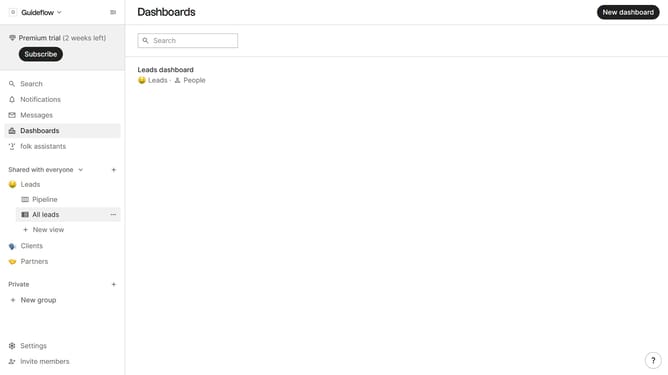
- First, click on the table view where you want to sort by "Industry(company)"
- Then click on the sort icon in the header
- Next, click on the "Sort by" dropdown button
- Then, scroll down in the dropdown menu
- Finally, click on "Industry (company)" from the dropdown list
Why should you sort a table view by industry(company) in Folk
Folk empowers businesses by providing seamless contact management and collaboration tools, making team communication effortlessly effective.
The ability to sort a table view by industry in Folk enhances your organizational efficiency, allowing you to categorize and access company-specific data with ease.
This feature helps users streamline their workflow, improve analytics, and ensure that relevant contacts are always at their fingertips, leading to more-informed decision-making.
By organizing data through industry-specific sorting, companies can focus on targeted outreach and foster stronger business relationships.
Last update