How to create a lead count ratio chart in Folk
Here is how to create a lead count ratio chart in folk
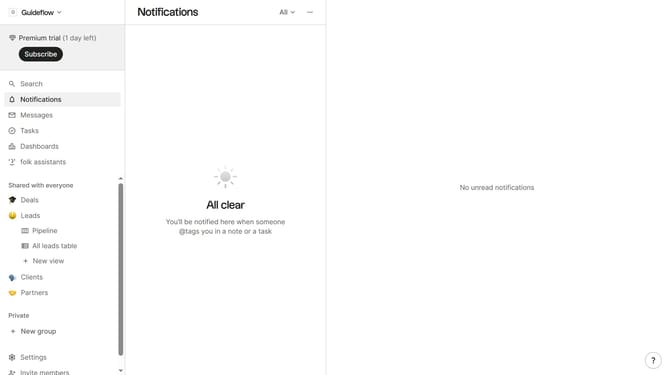
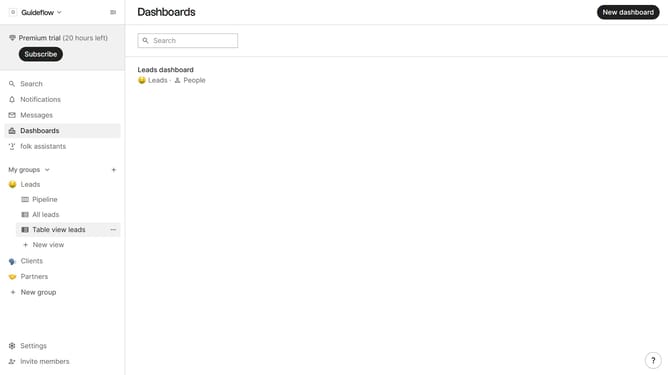
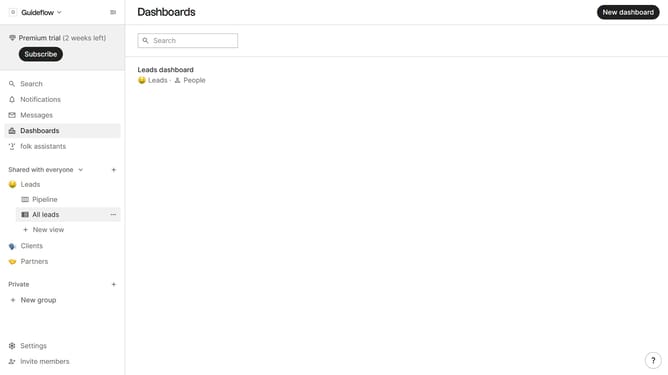
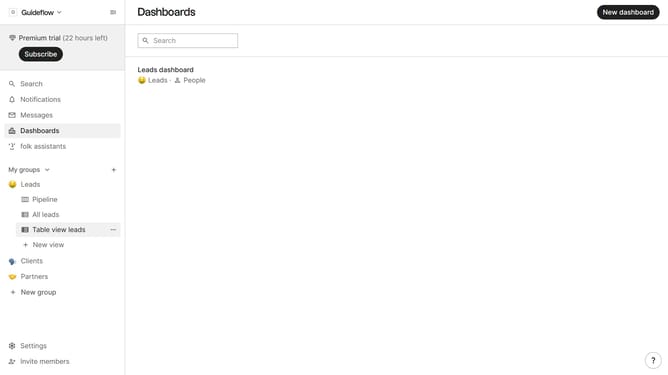
- First, click on "Dashboards" in the sidebar
- Then click on the dashboard where you want to create a lead count ratio chart
- Next, click on the "Add chart" button
- Then click on the "Measure" dropdown option
- Next hover your mouse cursor over the "Ratio" option
- After that, hover your mouse cursor over the "Company size" option
- Next, select "Lead" from the options
- Finally, click on the "Save" button
Why should you create a lead count ratio chart in Folk
Folk is a powerful tool designed to streamline and enhance your lead management process.
Creating a lead count ratio chart in Folk is a feature that offers unparalleled insights into your sales pipeline.
This feature allows you to visualize the ratio of successful leads compared to total leads, helping you identify trends and areas for improvement.
Utilizing the lead count ratio chart in Folk empowers you to make data-driven decisions, optimize processes, and boost conversion rates effectively.
Last update