How to create a people count metric chart in Folk
Here is how to create a people count metric chart in folk
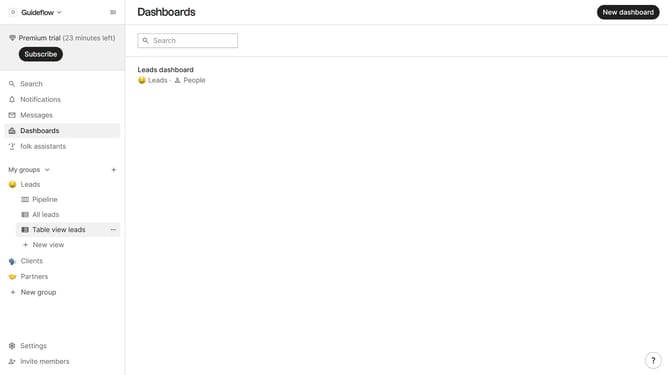
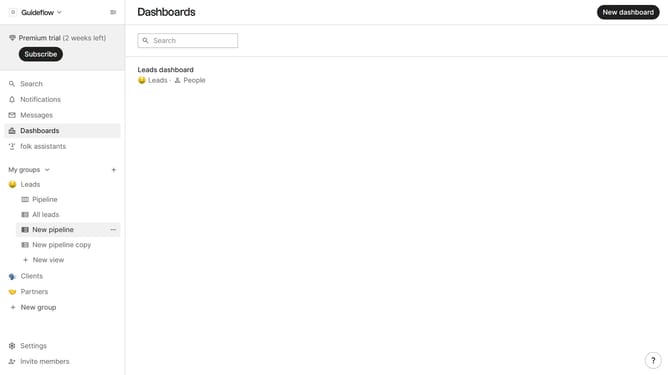
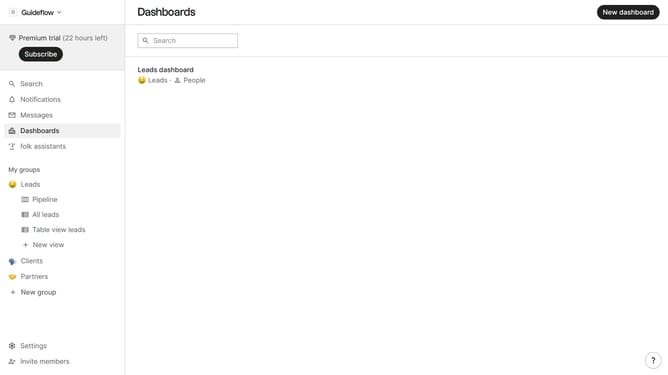
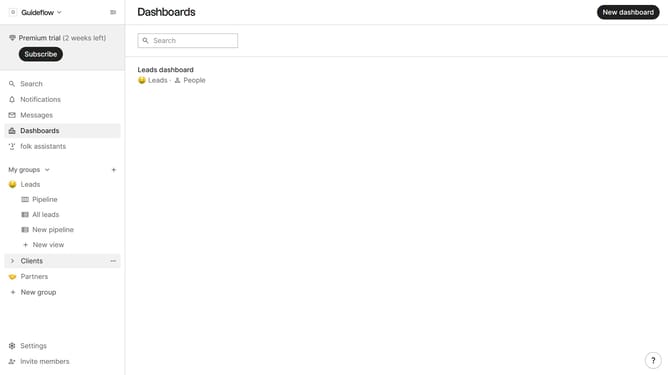
- First click on the dashboard where you want to create a people metric chart
- Then click on "Add chart" button in the header
- Next click on the "Select a field" dropdown in the chart creation modal
- Then hover your mouse cursor over the "Count" option
- After that, select "People" from the sub-list of measures
- Finally click on the "Save" button
Why should you create a people count metric chart in Folk
Folk is an intuitive platform designed to streamline team collaboration and data organization.
Creating a people count metric chart in Folk empowers users to visualize team growth and engagement effortlessly.
This feature allows you to quickly assess how many members are contributing to projects at any given time, enabling smarter decision-making.
With clear insights, teams can allocate resources efficiently, identify trends, and drive productivity.
Last update