How to calculate the count empty deal value in a pipeline column in Folk
Here is how to calculate the count empty deal value in a pipeline column in folk
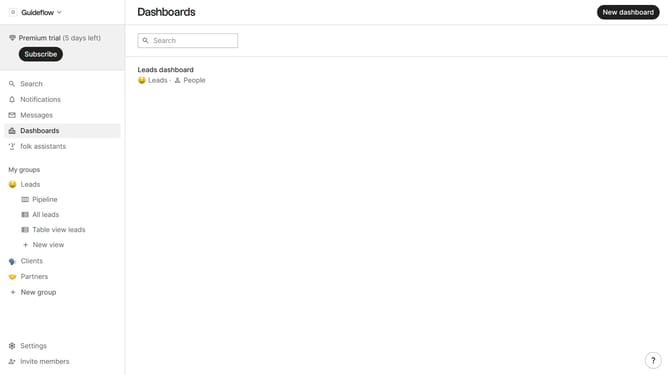
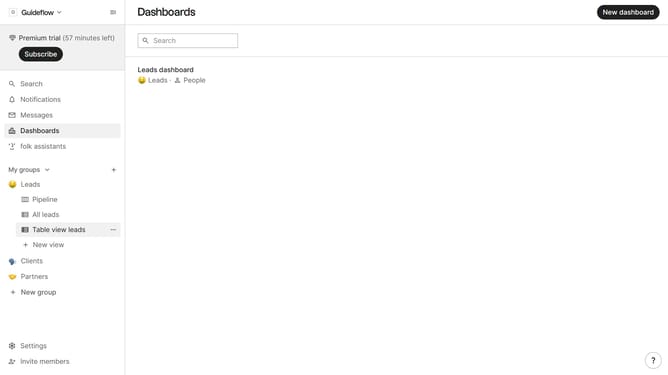
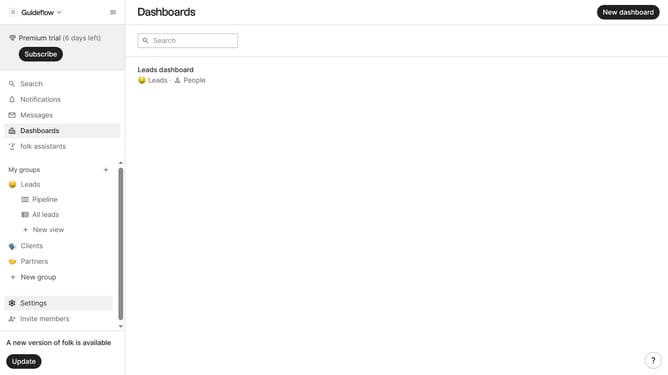
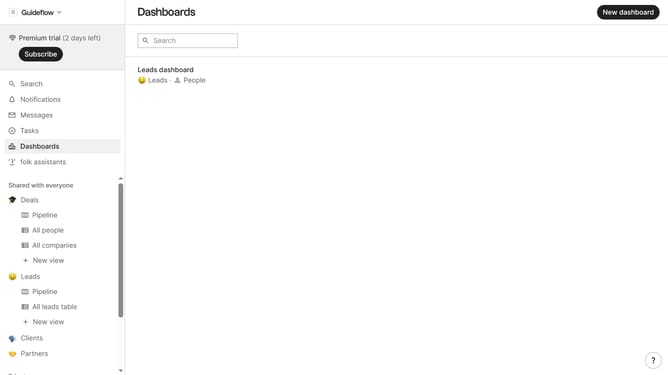
- First, click the "Pipeline" option in the left sidebar under the group where you want to calculate the count empty deal value per column
- Then click on the dropdown menu next to a column label
- Next, hover your mouse cursor over the "Count empty" option
- Finally, select "Deal value" from the submenu
Why should you calculate the count empty deal value in a pipeline column in Folk
Folk is a dynamic platform designed to streamline and enhance team collaboration and project management.
In Folk, figuring out the count of empty deal values in a pipeline column is a simple yet impactful task.
By knowing this, teams can quickly identify gaps or opportunities within their workflow, ensuring nothing slips through the cracks.
This feature empowers teams to maintain organized pipelines, optimize their strategies, and prioritize tasks more effectively.
Last update