How to create a closed-lost ratio chart in Folk
Here is how to create a closed-lost ratio chart in folk
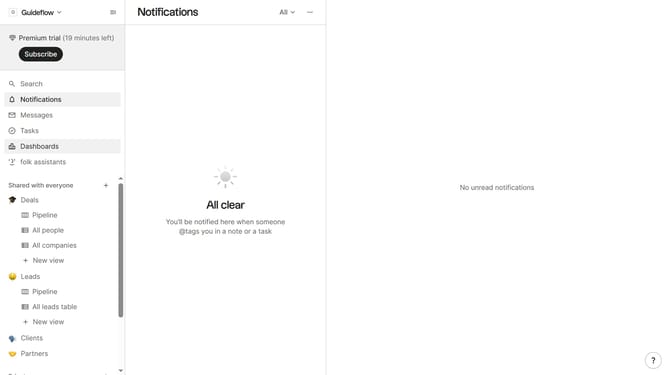
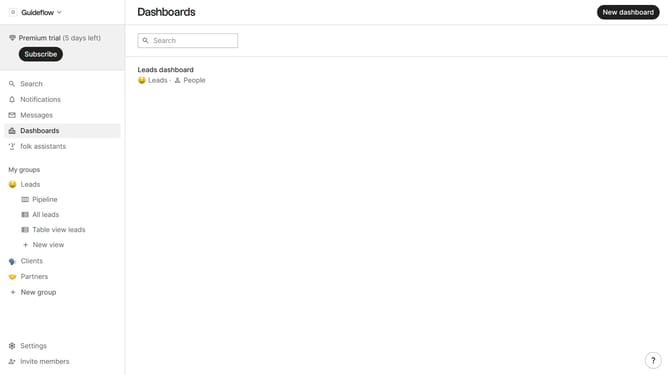
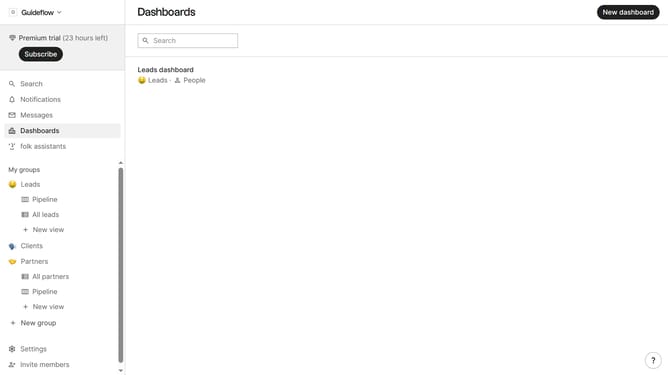
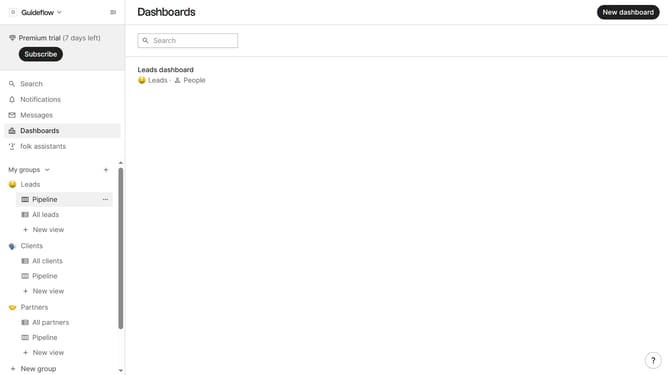
- First click on "Dashboards" item in the sidebar menu
- Then click on the dashboard where you want to create a closed-lost ratio chart
- Next click on "Add chart" button
- Then click on the "Measure" dropdown option
- Then hover your mouse cursor over the "Ratio" option
- After that, hover your mouse cursor over the "Status" option
- Next select "Closed-lost" from the status list
- Finally click on "Save" button
Why should you create a closed-lost ratio chart in Folk
Folk is a dynamic platform designed to optimize and streamline relationship management for businesses.
With Folk, crafting a closed-lost ratio chart becomes a seamless process that empowers users to visually track and analyze the effectiveness of their sales efforts. This feature transforms complex data into insightful visual metrics, providing clarity on success rates and areas for improvement.
By leveraging this chart, businesses can identify patterns, refine strategies, and enhance decision-making processes, leading to improved sales performance and more strategic planning.
Last update