How to show the channel field in a table view in Folk
Here is how to show the channel field in a table view in folk
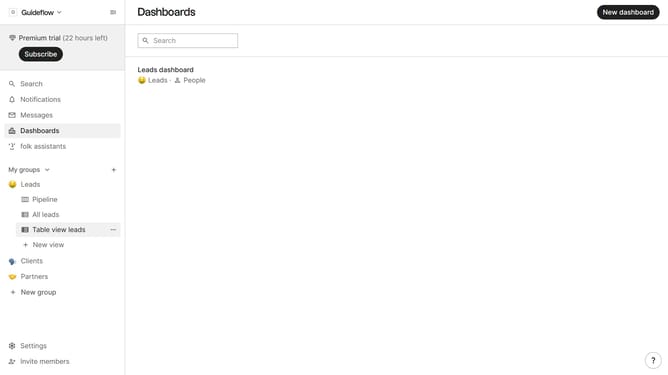
- First, click on a table view where you want to show the channel field
- Then click on the view icon in the top right of the page
- Next, scroll down in the dropdown menu
- Finally click on the "View" icon next to "Channel" in the dropdown menu
Why should you show the channel field in a table view in Folk
Folk is a dynamic tool designed to streamline team collaboration and contact management effortlessly.
Organizing your workflow becomes a breeze by showing the channel field in a table view. It allows for seamless visibility of communication channels, enhancing the way you manage interactions.
By displaying this feature, users can quickly identify and access the precise channels through which they engage with contacts. This optimization leads to more efficient tracking and enhances productivity.
Last update